IT SEES, IT CLICKS, IT WORKS: The Operating System Built for AI - Not You
🔊 Listen to the Podcast version here. 🔊
When a digital employee shows up for work, it doesn’t need a desk or a coffee mug. In fact, it doesn’t even need sleep. Instead, it lives in the cloud, clicking through Slack messages and Salesforce forms at 3 AM while you’re asleep. This isn’t sci-fi, - it’s the promise of Warmwind OS, a self-proclaimed “AI-native” operating system that functions less like Windows or macOS and more like a tireless virtual colleague. Warmwind OS burst out of stealth mode last Thursday (July 3, 2025) claiming that they offer the world’s first cloud-first OS designed for AI agents rather than human users. Before you roll your eyes at yet another grandiose AI claim, consider the context and why tech leaders are paying attention.

Everywhere and Nowhere: When AI Was Just a Tool
For the past few years, AI has been everywhere and nowhere at the same time. Executives have been inundated with thousands of AI tools, plugins, and platforms, - each promising magic, yet all fragmented and hard to connect. We trained chatbots to answer questions and scripts to automate tasks, but these AIs always felt like add-ons, confined to sidebars or single apps. The fundamental workflow never changed, - a human had to command each tool, orchestrate each integration, click every button. Our operating systems, - Windows, macOS, Linux, remained stubbornly passive, waiting for human input at every step. They were built on the logic that humans give the orders and computers execute. In an era of powerful AI, that model started to feel like a horse-and-carriage on a jet runway.

This frustration set the stage for a new idea. As the Warmwind team recalls, they wondered “What if AI wasn’t a tool? What if it was the system itself?” (Warmwind). In other words, instead of AI being something you install on an operating system, what if the operating system itself was reimagined around AI? This question flips decades of computing on its head. Rather than you clicking and typing to manage your apps, an AI could take over the clicks and keystrokes. You simply tell it the outcome you want, and it does the busywork.
If this sounds like robotic process automation (RPA) on steroids, it is, - but with a twist of intelligence. Classic RPA is brittle and dumb: it blindly repeats recorded actions. Modern AI can actually understand your instructions, see the screen, and adapt when things change. Large language models could parse natural language requests, computer vision could interpret on-screen content, and reinforcement learning could try different strategies. The pieces were there to let an AI not only talk about work, but actually do the work. Yet no mainstream OS was built to hand over the reins to an autonomous agent.

The result was an innovation vacuum. Ambitious projects like autonomous customer service reps or AI executive assistants were cobbled together with plugins and APIs, always one glitch away from failure. For AI to truly act “like a human” on a computer, a more unified approach was needed. Enter Warmwind OS, whose founders grew tired of bouncing between ChatGPT, Notion, Midjourney, and dozens of other apps like an over-caffeinated pinball (X). Their radical conclusion: make the AI the user, and give it an operating system of its own.
Meet Warmwind OS: A Digital Employee in the Cloud
Warmwind OS launched as a narrative-challenging upstart: part operating system, part automation platform, and part human substitute. Think of it as hiring a diligent intern, except this intern is a cloud-based computer that “opens applications, clicks buttons, fills out forms, writes, edits, sends, and follows up” on tasks for you (Warmwind). It’s an entire virtual machine running in the cloud, preloaded with an AI “brain” that can operate software just like a person would. The company calls it the first true AI-native OS, built from scratch to let an intelligent assistant control everything on the screen, rather than sitting in a chat box waiting for commands.

Warmwind’s design is unabashedly cloud-first. You don’t install anything on your laptop. You simply log in via web browser to access a remote desktop environment. Behind the scenes, Warmwind uses a custom Linux distribution on its servers. So yes, at its core it’s running a real operating system kernel (Linux) in the cloud. What you see on your browser is essentially a streamed video feed of that cloud desktop, powered by Wayland and VNC technology to transmit the GUI output “like an HDMI cable to your web client”. This remote GUI approach means the AI can interact with any software on that virtual desktop. Close your browser tab? No problem, - the AI continues working on the cloud machine even when you’re offline. In effect, you’re supervising a digital worker that has its own computer, rather than sharing yours.

The visual automation aspect is key. Warmwind’s agent doesn’t rely on official APIs or integrations to get things done. Instead, it operates through the same graphical interfaces a human uses. It sees the screen (via computer vision) and manipulates it (via virtual mouse and keyboard). This means it can work with “applications like Google Docs, Excel, Slack, Canva, and even enterprise solutions like SAP or Salesforce… automating them visually, just like a human would” – no complex integrations needed. In demos, you might see the AI assistant opening a Chrome browser, logging into a legacy CRM, copying data to an Excel sheet, then emailing a report, - all by clicking and typing onscreen. It’s uncanny to watch, equal parts impressive and a little slow. In fact, skeptics have quipped that an AI pretending to be a human user is inherently inefficient, why not just use back-end APIs and do in seconds what takes the UI minutes? The answer is that sometimes you don’t have an API, and that “pretending to be a human” is the whole point: maximum compatibility with existing software.
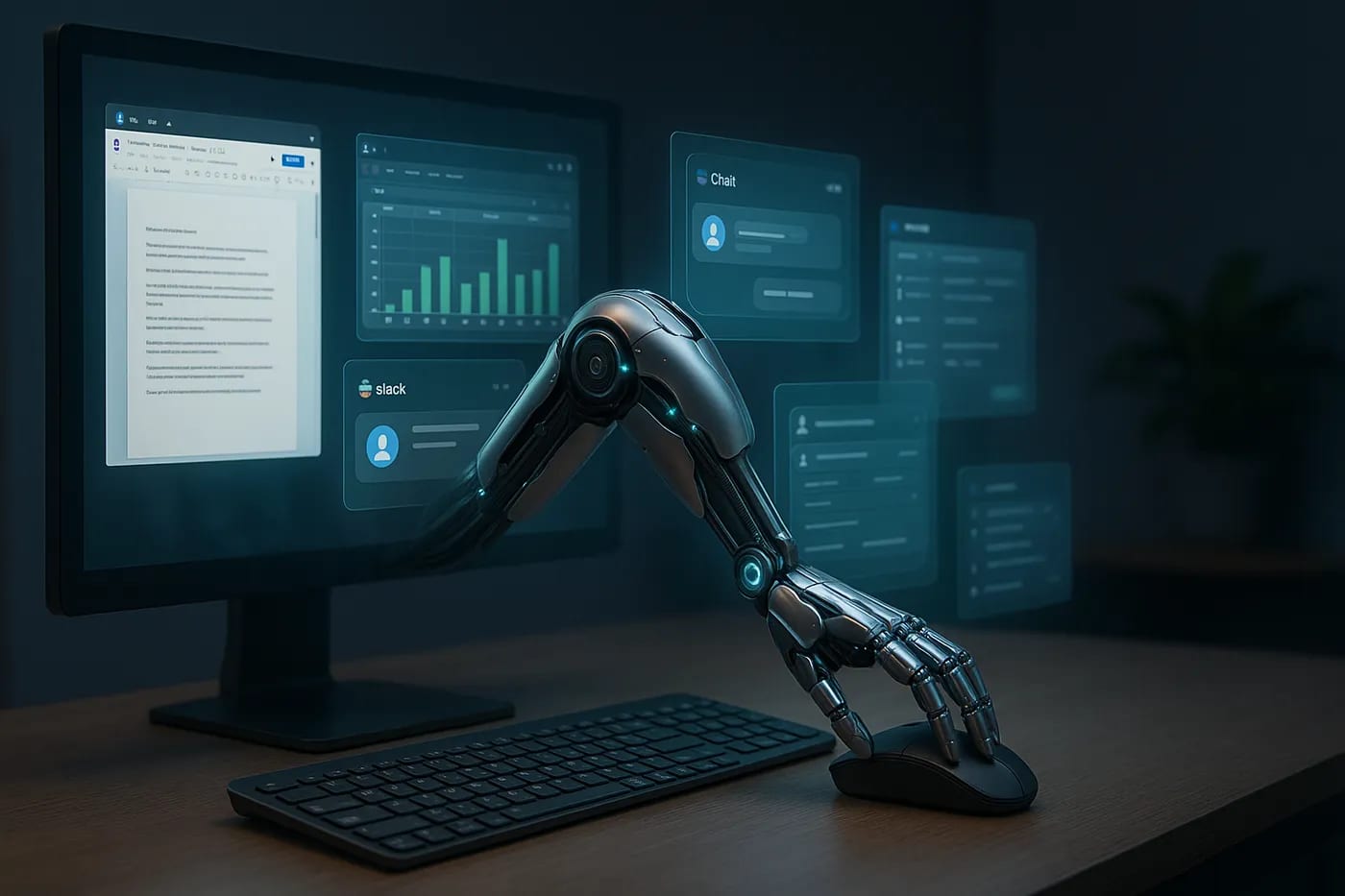
Under the hood, Warmwind’s team has engineered some clever tricks to make this work smoothly. The system employs advanced computer vision to recognize text fields, buttons, and menus on any application’s interface. It’s not doing dumb pixel clicking. It’s identifying “the button that says Submit” rather than clicking fixed coordinates (Julian Goldie). This semantic understanding makes the automation resilient to minor UI changes. On top of that, Warmwind OS has a teaching mode where you can demonstrate a task once, and the AI generalizes the pattern. As one reviewer explained, “you click a button to enter teaching mode… The AI OS records every click and keystroke, but more importantly, it learns the intention behind them”, - so next time, it can execute the task even if the screen looks a bit different. In essence, Warmwind learns workflows the way a human trainee might, observing an example and inferencing what to do in similar situations later.

Crucially, Warmwind OS is not limited to web apps. Despite running in a browser window, the remote OS can host nearly anything. It’s capable of running Linux, Android, or even Windows applications inside the cloud instance (through emulation or containers), according to the company. This broad compatibility means an AI agent could just as easily drive a Windows-only accounting tool or a decade-old Java app. It’s a big differentiator from most automation bots that stick to web browsers or specific APIs. Warmwind is positioning itself as a universal digital worker that doesn’t care what software you use, since it can learn to use it like any human assistant would.

The early use cases are telling. CI/CD pipeline management, generating reports, handling support tickets, updating CRM records*, -* all the dull but necessary tasks that burn human hours are prime territory (Warmwind). One Warmwind OS instance might be set up as your 24/7 QA engineer, opening bug tickets and retesting fixes. Another might act as a back-office admin, churning through invoices and emails. The platform is cloud-scalable by design: spin up one “digital employee” or a hundred, without installing new software or hiring new people. As its creators put it, “Automate one task, then two, then your whole workflow… Need one assistant for customer support and five more for marketing, admin, and finance? Just spin them up. No new software. No API integrations. No IT department required.” (Warmwind). Warmwind’s vision is less about replacing all employees and more about augmenting teams with an army of specialized AI workers. Mundane tasks get offloaded to the machines, while your human talent focuses on higher-level work.
The OS Question: Debate and Alternatives
If all this sounds a bit too magical, you’re not alone. Warmwind’s launch re-ignited an old debate: what qualifies as an “operating system” these days? After all, if you access everything through a browser and the heavy lifting is done on a remote server, is that an OS or just a fancy cloud service? We’ve seen this play out before, - think ChromeOS, which faced skepticism in its early days. ChromeOS stripped the traditional OS down to essentially a web browser atop a Linux kernel. Pundits sniped that “it’s just a browser in a box,” yet today ChromeOS is a respected member of the OS family (especially in schools and enterprise fleets). Warmwind OS is testing similar boundaries. It does ship a real OS under the hood (a customized Linux image), but users don’t interact with that directly; they see a web portal. This has led some purists to grumble that “Warmwind isn’t an OS – it’s a web app with a bunch of browser automation”, - as one sharp-tongued Reddit commenter put it. From a certain angle, they’re correct: Warmwind repackages many existing technologies, - remote desktop streaming, Linux virtualization, and AI orchestration, under a unifying brand. But that unification is precisely the innovation. Warmwind is offering a cohesive product where the AI agent is the primary user, and that is indeed a new paradigm.

Even the Warmwind team acknowledges the gray area. “Is Warmwind OS a traditional OS? No. Is it just a web app? Also no,” they wrote in a blog addressing the controversy. They liken their approach to how “ChromeOS redefined the desktop OS for the cloud”, and suggest Warmwind similarly “rethinks the OS for autonomous digital work”. The term “OS” here is as much metaphor as technical description, - a deliberate branding to signal that this isn’t just another SaaS automation tool, but a foundational platform for AI workers. The company candidly admits that if they called it an “AI-powered automation suite for cloud-based interaction orchestration,” nobody would pay attention. By invoking the Operating System concept, they give us a familiar mental model: an AI coworker with its own desktop, rather than just a script or plugin. It’s a fascinating example of marketing and vision shaping the narrative of technology.

Warmwind OS may be early to this “AI-native OS” claim, but it’s not alone in exploring the territory. In fact, 2025 has seen a mini-boom of projects and platforms rethinking how AI agents are deployed and coordinated. It’s useful to understand Warmwind in context of these peers, because each takes a different slice of the problem:
1. AIOS (AI Agent Operating System)
An open-source initiative out of academia (led by researchers at Rutgers University) that is designing an OS-like framework for managing LLM-based agents. AIOS isn’t a product you log into, but a conceptual stack that “embeds [a] large language model into the operating system as the brain of the OS” to handle things like agent scheduling, memory management, and tool access (AIOS Foundation). Think of it as an under-the-hood agent kernel. It tackles the complexities of running many AI agents concurrently and safely on a machine. Notably, AIOS is code-driven and has no graphical interface for end users. It’s currently a developer’s playground on GitHub. In other words, it approaches the “AI OS” idea from the infrastructure side, without trying to replace the user interface or mimic human UI interaction. Warmwind’s focus is almost the inverse, - it emphasizes the UI/experience (letting an AI act in traditional GUIs), whereas AIOS emphasizes low-level orchestration (how an OS could natively manage AI processes). Both reimagine OS concepts for AI, but one is visible (Warmwind’s GUI streaming) and one is invisible (AIOS’s background brain).

2. KAOS (Large Model Multi-Agent Operating System)
A research prototype from China, - built on the open-source Kylin Linux, that explores multi-agent collaboration at the OS level. As described in its 2024 preprint, KAOS empowers multiple AI agents with large models to operate concurrently, coordinating tasks within an OS environment. This again is more of a conceptual OS extension than something like Warmwind. However, it shows that even national tech ecosystems are thinking about how to bake AI into the core of operating systems.
3. PwC’s “Agent OS”
When a Big Four consulting firm coins the term “OS” for AI, you know the hype has currency. In March 2025, PwC launched agent OS, described pointedly as a “switchboard” for enterprise AI (Business Insider). Unlike Warmwind, PwC’s platform isn’t about one AI agent using software. It’s about many agents working in concert across an organization. Agent OS lets companies build and customize a fleet of AI agents, then connect them so they can talk to each other and exchange tasks. The goal is to avoid a situation where you have isolated “point solution” bots that never collaborate. PwC envisions an “armada” of enterprise agents sailing in formation rather than ships passing in the night. In practical terms, Agent OS integrates with a company’s existing tech stack (cloud services, APIs, data sources) and orchestrates multi-agent workflows. It’s less flashy than an AI moving a mouse on screen, but it tackles a crucial part of the AI future: how do all these different AIs coordinate and plug into business processes? PwC’s answer is essentially an enterprise middleware that standardizes how agents invoke tools, share data, and collectively automate complex sequences. It’s a sign that large enterprises see the need for an “OS-like” layer, but notably, they focus on back-end orchestration, whereas Warmwind focuses on front-end execution. These approaches could actually complement each other. One managing which agents to deploy and connect, the other managing how an agent physically executes tasks.

4. Beam, SuperAgent, MindStudio, et cetera
A flurry of startups and frameworks have emerged aiming to ease the creation of AI agents for business. Platforms like Beam (Beam AI) market themselves as agentic automation solutions that deploy self-learning AI agents to handle tasks like data entry, order processing, and customer support. They provide pre-built agent templates and integrate with your workflows, emphasizing cost reduction and efficiency, - think of Beam as selling “digital workforce” as a service. SuperAgent, on the other hand, is an open-source project that gives developers the tools to build and host AI agents with minimal coding. It acts as a flexible infrastructure. You can spin up agents, connect them to APIs or databases, and run them locally or in the cloud (Smythos). SuperAgent focuses on developers and doesn’t come with a visual UI. It’s more about enabling custom agent solutions inside applications. Meanwhile, MindStudio (a well-funded Y Combinator-backed startup) targets non-programmers with a no-code interface. It’s like Zapier for AI agents, - a drag-and-drop studio to create AI workflows, complete with pre-built integrations and templates. MindStudio has already seen over 150,000 agents built on its platform this year so far, a sign of the demand for accessible AI automation (Oumar Ja). These platforms often describe themselves as “agent builders” or “agent orchestration” tools. They emphasize connecting AI to existing software via APIs, scheduling tasks, and handling things like memory or tool use for the agent. In short, most alternatives in the market focus on either SDKs for developers, orchestration frameworks, or enterprise integration hubs. They are like the plumbing and control panels for AI in an organization.

Reinventing Automation with AI-driven GUI Interaction
What sets Warmwind OS apart is its audaciously literal approach. Rather than just managing or spawning agents behind the scenes, it puts an agent on the screen, in the same environment a human would use. This GUI-streaming model might seem like a step backward since visual UIs are slower and messier than APIs, but it’s actually a strategic bet. Warmwind is betting that the fastest way to bring AI into every workflow is to allow AI to operate the existing interfaces we already have. No waiting on vendors to build new AI-friendly APIs, no need to rip-and-replace legacy systems. If an AI can control the UI, it can get the job done today. It’s the same philosophy that made RPA a big enterprise trend, but now turbocharged with cognitive capabilities. In contrast, many of the other solutions assume you’ll rebuild parts of your workflow with their tools or code libraries, - which can be powerful, but requires developer time and deeper changes.
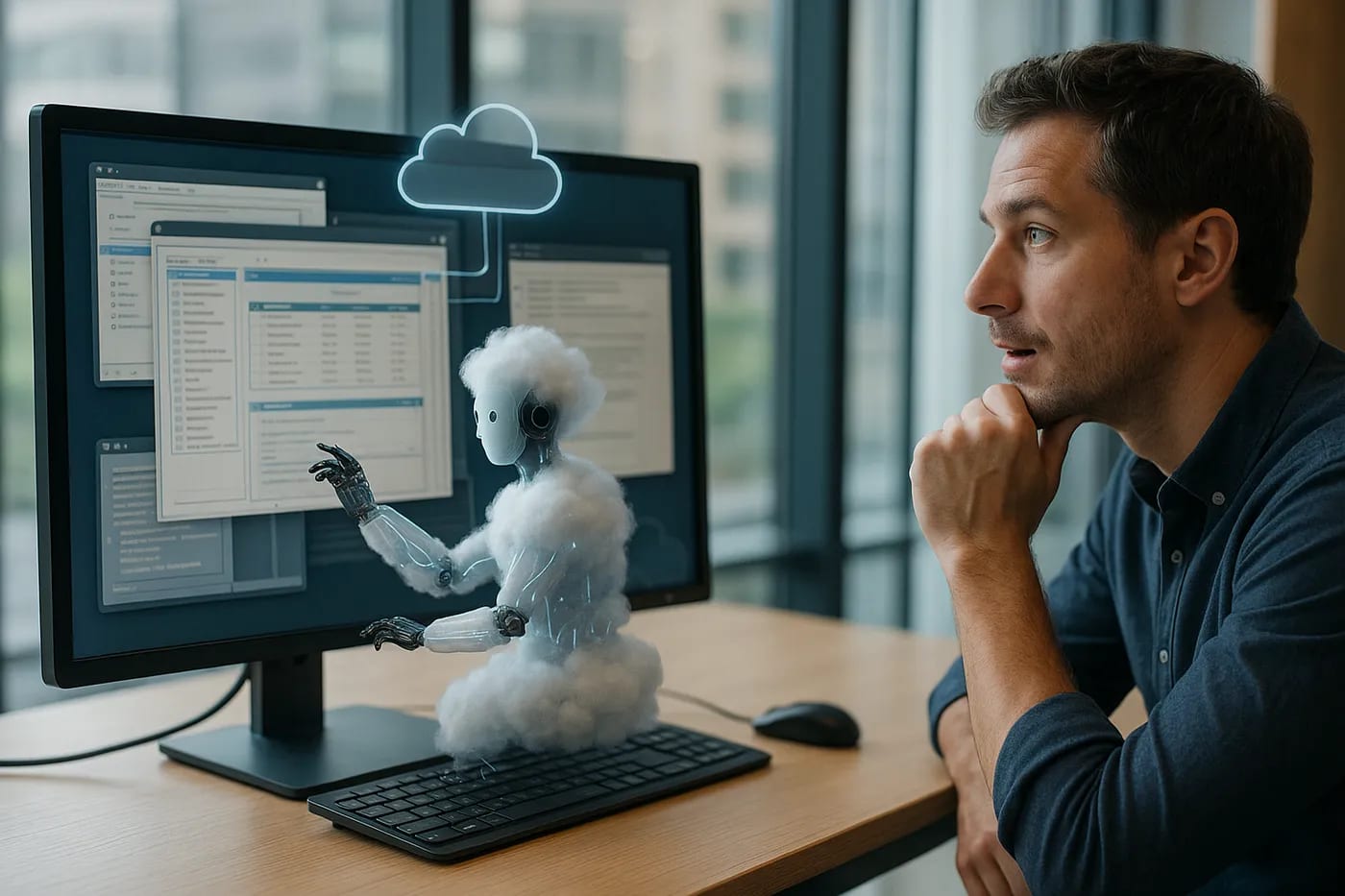
Of course, there are trade-offs. Warmwind’s approach currently requires a powerful cloud infrastructure. Running full desktops for each agent isn’t cheap and likely a robust proprietary model under the hood to steer those agents. The company uses a “proprietary AI model” and emphasizes privacy, hinting they’re not just calling an OpenAI API naively. This means it might be costly or hard to implement on-premises without Warmwind’s involvement. By comparison, open frameworks like AIOS or SuperAgent can be run on your own hardware and tinkered with. But then again, they don’t give you a ready-made digital employee out of the box. Warmwind is aiming for a polished, end-to-end product experience: something a small business could adopt without a team of ML engineers. As with any early mover, it faces skepticism: “Is it just glorified screen-scraping with ChatGPT”? And the challenge of proving reliability at scale. But even skeptics must credit Warmwind for expanding the conversation. It forces us to ask: Do we really need to define a new category (“AI-native OS”), or is this simply a clever bundle of cloud VM + RPA + LLM? And ultimately, do labels matter if the value is real?
A New OS for a New Kind of Work
It’s tempting to dismiss terms like “AI-native operating system” as pure buzzword. Yet, behind the buzz, there’s a genuine shift underway in how we think about work and software. Warmwind OS is one narrative in a larger story: the evolution of our computing environment from a human-first design to a hybrid human+AI design. In the old paradigm, operating systems assumed a person at the helm of every process. In the new paradigm, an OS might manage a fleet of AI helpers alongside human users. We’re witnessing early attempts to provide the technical and conceptual scaffolding for that paradigm, - whether it’s through a cloud streaming interface, an orchestration hub, or an open-source kernel extension.

For technology executives and innovation leaders, the rise of platforms like Warmwind OS is a call to action of sorts. It’s time to reimagine our workflows and even our org charts. If an “autonomous cloud employee” can handle 80% of a routine process, how do you integrate that into your team? How do you govern it, monitor it, and measure its output? There’s also a cultural element: part of Warmwind’s strategy is showing a visual AI doing work, precisely because it builds trust. Employees can literally watch the AI navigate and thus feel more comfortable, - at least initially, than if it were an invisible algorithm making decisions in a black box. Over time, as comfort grows, we might hide the visual element and let AIs transact in milliseconds via APIs, - but for now, that little on-screen cursor autonomously moving might be an important training wheel for society’s acceptance of AI colleagues.
From a strategic standpoint, forward-thinking organizations should experiment with these “AI agent” platforms in low-risk environments. The competitive advantage is obvious: mundane tasks offloaded to AIs mean humans reclaim time for creativity, strategy, and relationship-building. Early adopters are already reporting efficiency leaps by pairing human teams with agentic AI tools. One Business Insider report noted agentic AI could cut operational costs significantly and resolve service issues autonomously in the coming years. As with any new tech, there will be missteps, - an AI clicking the wrong menu item, or failing to catch a subtle exception that a human would notice. But these systems learn and improve, especially when built with feedback loops.

Warmwind OS itself is in a closed beta with thousands on the waitlist, myself included, so it will be the real-world pilots that determine how well the promise holds. If it succeeds, we may soon treat routine digital tasks the way we treat driving with cruise control, - still there to supervise, but mostly hands-off. Even more, success would mean the term “operating system” continues to evolve. Perhaps in a few years “AI-native OS” will sound as normal as “mobile OS” or “cloud OS” does now. Or perhaps Warmwind will quietly drop the moniker once everyone understands what a “digital employee platform” is. In any case, the concept has been seeded.
The resolution for leaders is not to chase every shiny thing labeled “AI OS,” but to grasp the underlying trend: AI is moving from being a tool within applications to being an agent above applications. Whether via Warmwind or another approach, this trend points to a future where interacting with software is abstracted away. We will tell our systems what outcome we want, and an AI intermediary will handle the fiddly software steps. That has profound implications for software design, employee training, IT procurement, and competitive strategy. It could flatten the learning curve of complex enterprise apps. It could also change how we evaluate software purchases, - an app with a great UI might not matter if only AIs ever touch it.

Warmwind OS presents both a reality check and a vision. The reality check is that the first incarnations of “AI employees” still run on Linux servers and wave cursors around on virtual screens, - innovation often wears familiar clothes at first. The vision is that someday soon, those cursors may disappear, and what we’ll have is seamless, autonomous task completion across our business, truly as if we had an infinite workforce of smart software. Getting there will involve debate, - over definitions, best practices, and ethics, experimentation, and likely some spectacular failures along with successes. But the direction is clear. As one Warmwind co-founder put it, their goal is to “make artificial intelligence as accessible as a helpful team member” (Sketch). That’s a goal many of us share. Whether we call the enabling platform an OS, a suite, or just “the AI,” we should focus on the outcomes and opportunities it creates.
Reflective Call to Action
As you consider the roadmap for your own organization, ask yourself: Which repetitive processes are consuming my team’s potential? and What would it look like if an AI system ran those processes for us? Start small, - maybe it’s generating weekly reports or triaging customer emails. Pilot an agent on a non-critical task. Involve your team in training it and setting the guardrails. Use the visual transparency to build trust and understanding. Measure the results. You might find that today’s prototype “AI OS” becomes an indispensable teammate tomorrow. And if nothing else, you’ll gain insight into how far the technology has come and what still needs to improve.

The companies that learn to leverage these autonomous agents effectively will gain an edge in productivity and agility. The ones that don’t… well, they might find themselves trying to hire human employees to keep up, in a market where the competition’s hardest worker is a tireless bit of code in the cloud. The new operating systems won’t just run on your hardware, - they’ll run alongside your workforce even when they are sleeping. It’s time to prepare for that reality, jargon and buzzwords aside. After all, your next colleague just might be an OS.

Further Readings
-
Warmwind OS: Building the AI Operating System for Everyone (Warmwind Team, July 2025) This official blog post offers a detailed breakdown of Warmwind’s vision and architecture, explaining how their cloud-based Linux backend, Wayland/VNC streaming, and autonomous agents form a new class of AI-native operating systems. It provides first-hand insights into the company’s rationale for coining the term “OS” and positions the tool as a paradigm shift in workplace automation.
-
We Built an Operating System for AI… But Is It Really One? (Warmwind Team, July 2025) In this candid follow-up post, the Warmwind team tackles the debate head-on—unpacking what qualifies as an OS in today’s world. They compare their product to predecessors like ChromeOS, detail the system’s Linux core and GUI streaming, and discuss both the technical and marketing motivations behind the naming.
-
Warmwind OS: The AI Operating System That Builds Virtual Employees For You in Seconds (Daniel Ferrera, June 2025) This hands-on Medium review introduces readers to the concept of “digital employees,” demonstrating how Warmwind can be used to train autonomous agents via UI interactions. Ferrera walks through practical use cases—like email triage and report generation—highlighting both the system’s strengths and areas where it still feels experimental.
-
Introducing Warmwind OS: The AI Operating System That Works Smarter (Julian Horsey, July 2025) This tech news article from Geeky Gadgets provides a polished, journalist‑style overview of Warmwind OS, emphasizing its no-API-required approach, teaching mode, and cloud-hosted access model. The coverage is geared toward a general audience and underscores the platform’s promise to transform legacy and modern workflows alike.
-
Warmwind OS and the Promise of a Cloud-Based AI Operating System (Kartscrut, July 2025) Published today in the AI Advances newsletter, this third-party feature examines Warmwind’s foundational thesis—that instead of optimizing interfaces for AI, AI should just use the interfaces. It situates Warmwind within the wider trend toward agentic AI, drawing parallels to the transition to cloud-native tools like Figma and ChromeOS.
Disclaimer: The perspectives shared in this article are my own and do not represent those of my employer or any affiliated organizations. All company names, product names, logos, and brands mentioned are the property of their respective owners and are used for identification and illustrative purposes only. No endorsement, sponsorship, or affiliation is intended or implied. References to specific companies or case studies are based on publicly available information and are used solely for educational and discussion purposes.
More from silicon & systems
All silicon & systems → silicon & systems
Why Generative GUIs May Be the Most Disruptive OS Shift Since Windows 95
Late at night in a corner office, a CTO sits before the gentle glow of a computer screen. The interface staring back is familiar, - rows of icons, tidy menus, the same static layout that’s greeted us for decades. It’s comforting in its…
 silicon & systems
How Google Solved the Impossible: Making Smart Search Actually Fast
Picture this: It's 2024, and somewhere in the gleaming halls of Google Research, a team of engineers just casually solved one of computing's most stubborn problems, - making multi-vector search as fast as single-vector search. They called…
 silicon & systems
From "Mainframe Intelligence" to "Thin Client Thinking"
It's 8:00 AM and a high school teacher is staring at a stack of suspiciously flawless essays. Across town, a manager in a boardroom slyly taps on ChatGPT under the table to craft a quick strategy memo. Two very different scenes share an…