Why Generative GUIs May Be the Most Disruptive OS Shift Since Windows 95
Listen · the Bit & Being podcast
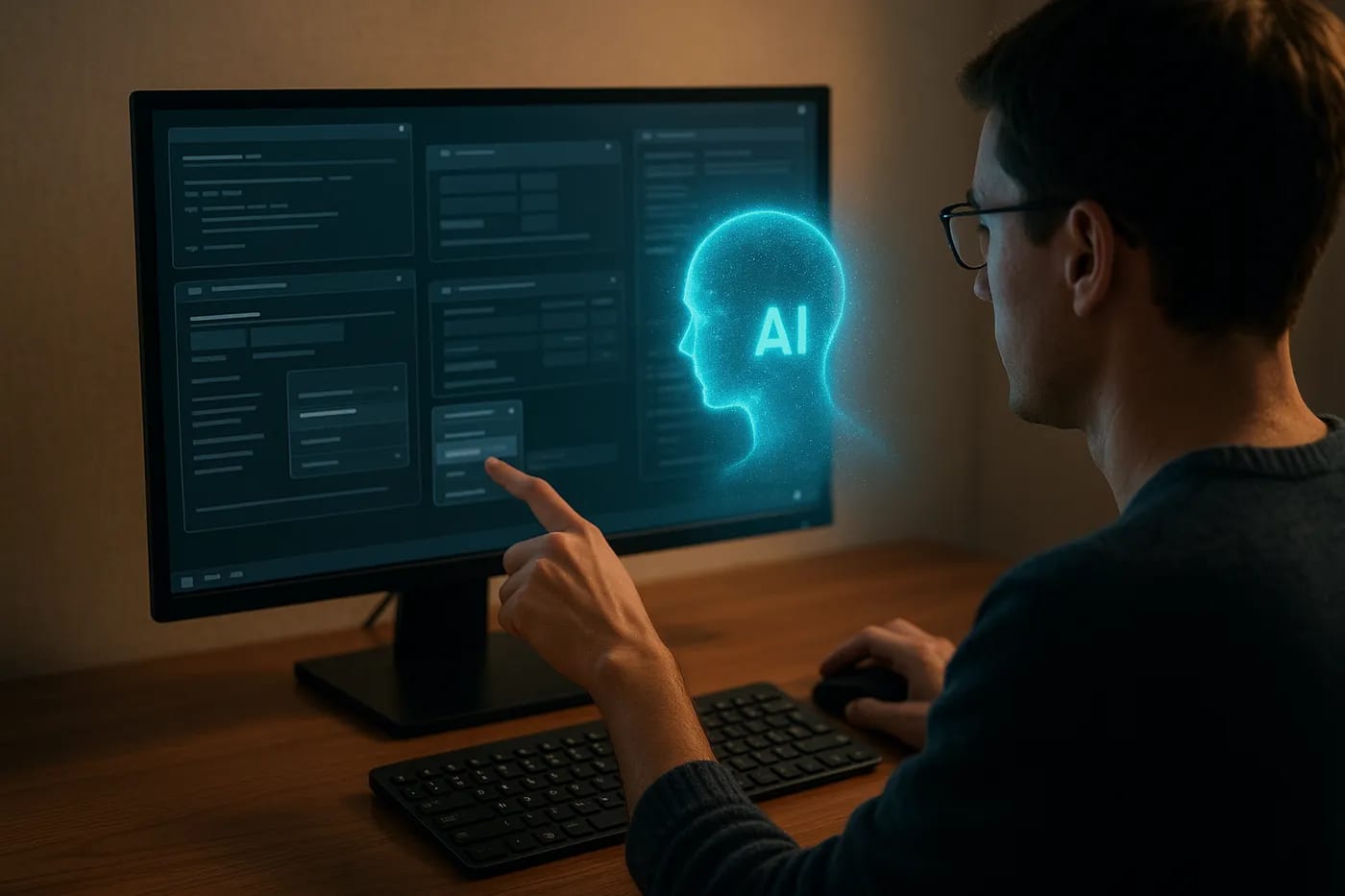
Late at night in a corner office, a CTO sits before the gentle glow of a computer screen. The interface staring back is familiar, - rows of icons, tidy menus, the same static layout that’s greeted us for decades. It’s comforting in its predictability. But tonight something is different. As she types a request, the screen morphs in real time, sprouting a custom dashboard tailored to her query. No app launch, no menu diving, - the interface itself generated exactly what she asked for. It’s as if the computer suddenly began improvising, breaking the fourth wall of software. This isn’t science fiction. It’s a glimpse of a new paradigm quietly brewing in AI research labs.

For all our talk of digital transformation, the personal computing interface hasn’t fundamentally changed since the era of dial-up. Sure, we went from chunky CRT monitors to sleek displays, but you still point, click, and type into pre-designed screens. Every button and dialog box in today’s operating systems is meticulously hand-crafted by developers in advance. We’ve been living in a world of WIMP (windows, icons, menus, pointer), - a paradigm born at Xerox PARC in the ’70s and still ruling our desktops and phones in 2025. This consistency has benefits, right? Afterall, no one wants their email app UI randomized each morning, but it also hints at an opportunity. What if interfaces didn’t have to be so fixed? Enter the idea of Generative GUIs, - user interfaces that can be created on the fly by AI, rather than drawn from a static design. Just as generative AI can conjure images or prose from a prompt, why not generate the interface itself to best suit the user’s immediate needs (InfoWorld)?
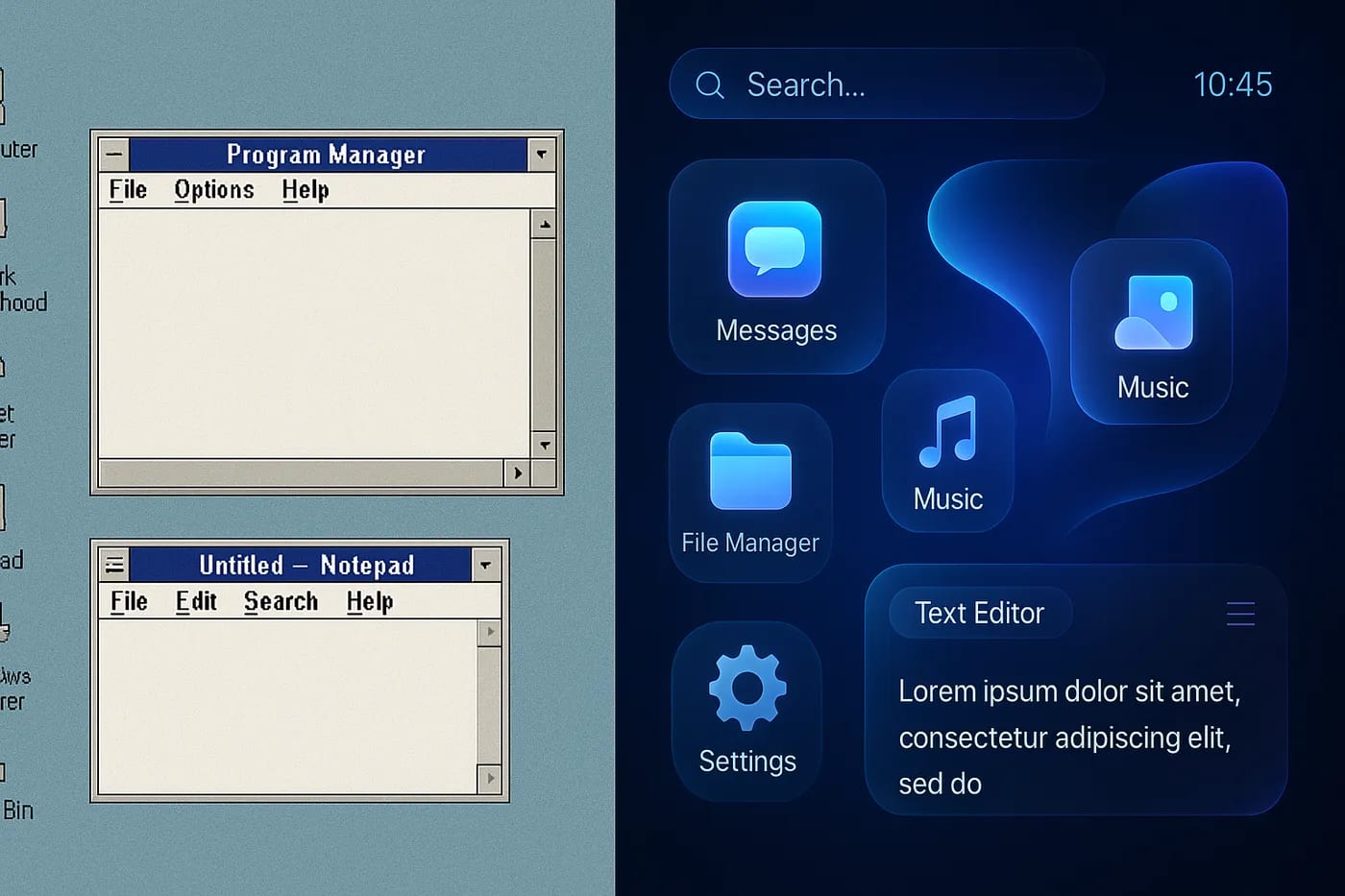
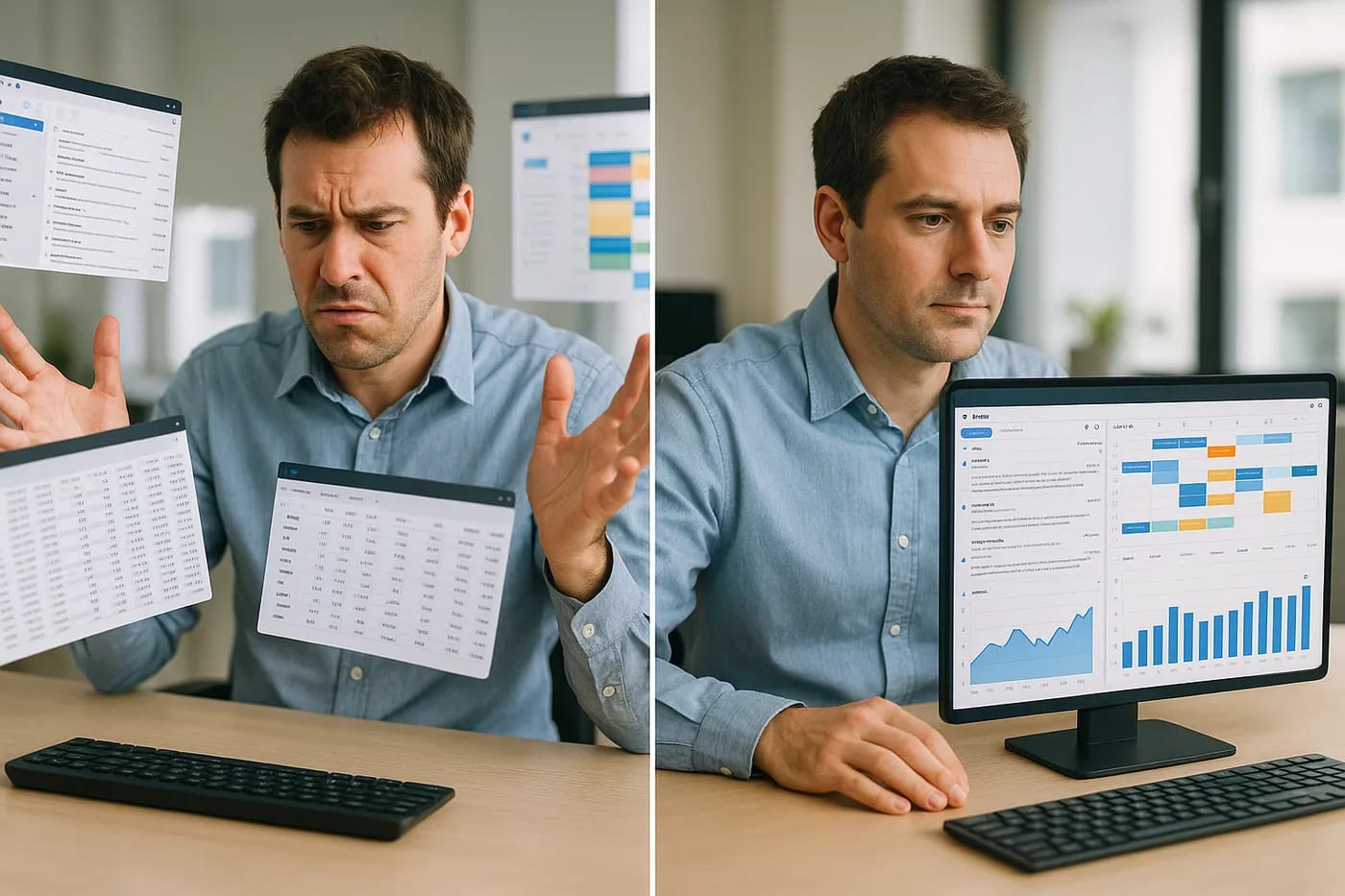
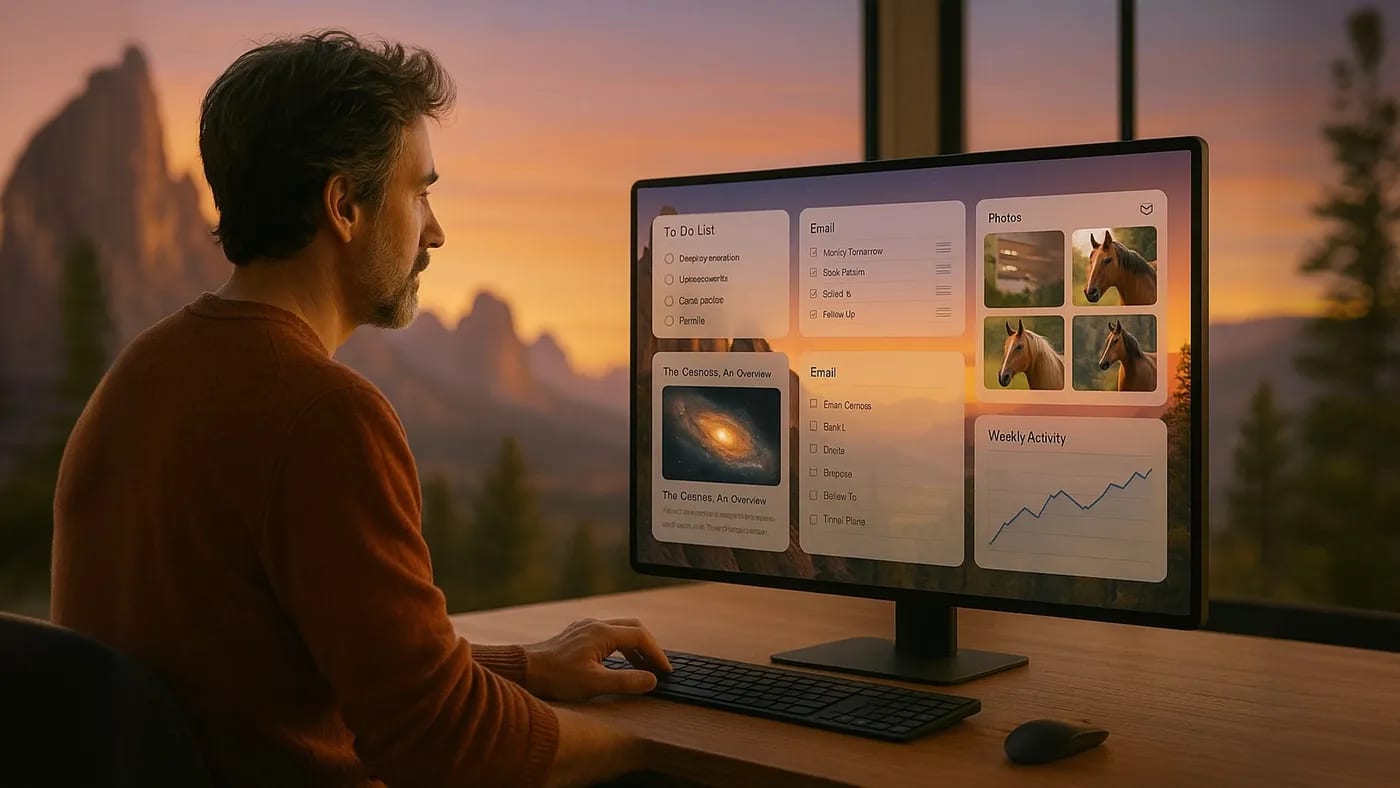
Imagine asking your computer, “Show me last quarter’s sales trends,” and instead of you opening a spreadsheet and charting data, the OS whips up a custom analytics view for you on the spot, - graphs, highlights, and insights integrated into a temporary dashboard. Finish the task, and that UI dissolves, ready to reshape for your next query. Generative GUIs promise interfaces that adapt to the user, rather than forcing the user to adapt to the interface. In effect, the computer can decide how to display information in the most helpful way depending on what you ask (InfoWorld). This dynamic approach challenges a core assumption of software design. Instead of one static UI to cover all scenarios, why not many fluid UIs, each tailored to the context? It’s a radical break from the one-size-fits-all design mentality. Even UX veterans are beginning to envision interfaces that “adapt on the fly to each user’s specific needs” (NN/g).
A key inflection point arrived this year with a research project appropriately named NeuralOS. Unveiled by an AI research team, NeuralOS demonstrated that an operating system’s GUI could be entirely generated by a neural network rather than rendered by traditional code. How? The system was trained on countless hours of screen recordings. It learned to predict what pixels should light up next based on user input, - mouse moves, clicks, key presses, essentially simulating an OS interface in real time. Click on a virtual folder, and NeuralOS’s model draws the new window opening. Move the mouse, and it updates the cursor and highlights accordingly. In experiments, this AI-driven UI successfully produced realistic sequences of windows and menus, even accurately showing an application launch animation when prompted (arXiv). In other words, the neural network learned the language of the GUI to the point it could riff a convincing performance. Keplar, anyone? It’s not perfect and testers noted it sometimes fumbled fast typing, and running an AI to paint screens is still slow, - but NeuralOS offered a first glimpse of a “fully adaptive, generative neural interface” in action. A machine imagining an interface, moment to moment, just for you.
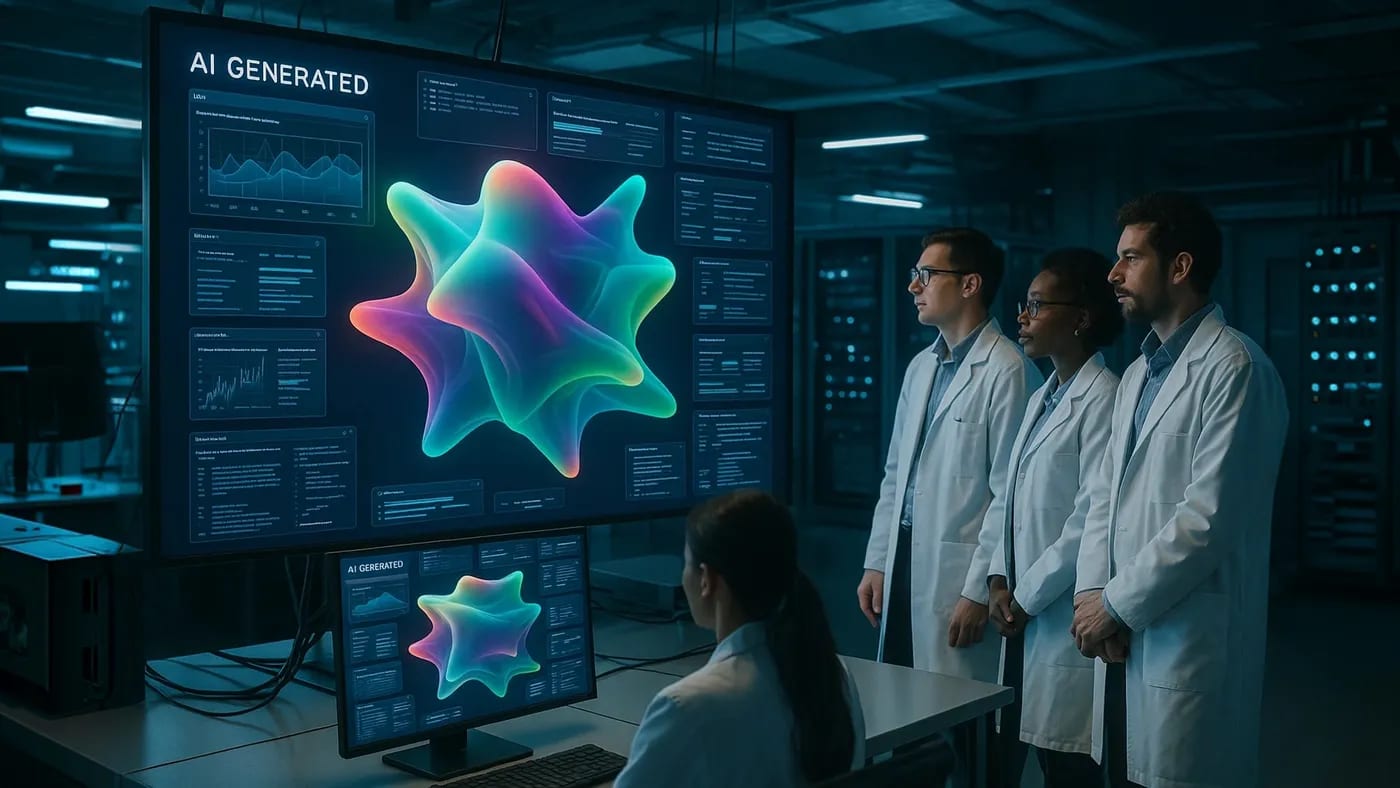
Tech giants are also exploring generative interfaces. In June, Google’s research team revealed a prototype that takes a slightly different path to the same idea. Instead of predicting pixels, their system uses a powerful language model (think of it as a cousin of ChatGPT) to generate the code for the interface on the fly. Every time the user clicks or types, the AI behind the scenes interprets the intent and rebuilds the UI accordingly. One Google engineer described it as navigating not a fixed interface but an environment that the model “builds and rebuilds with every click” (GoogleBlog). In demos of this so-called “Gemini OS” prototype, a user might, say, open a file browser powered by the model. Each folder click isn’t just opening a pre-coded window, but actually prompting the AI to generate a new interface view that feels like a natural extension of the last. The result is an eerie but exciting fluidity – the system responds almost like a human UI/UX designer sketching out a new panel in real time to keep you in flow. It must be said, these projects are early-stage and not ready for prime time. NeuralOS currently chugs along at a few frames per second, and the Google demo required a specially optimized model to feel responsive. But the conceptual leap has been made. We have seen the first cracks in the decades-old idea that an operating system must ship with a rigid set of screens and rules. From here on, our GUI might just become a co-creator.
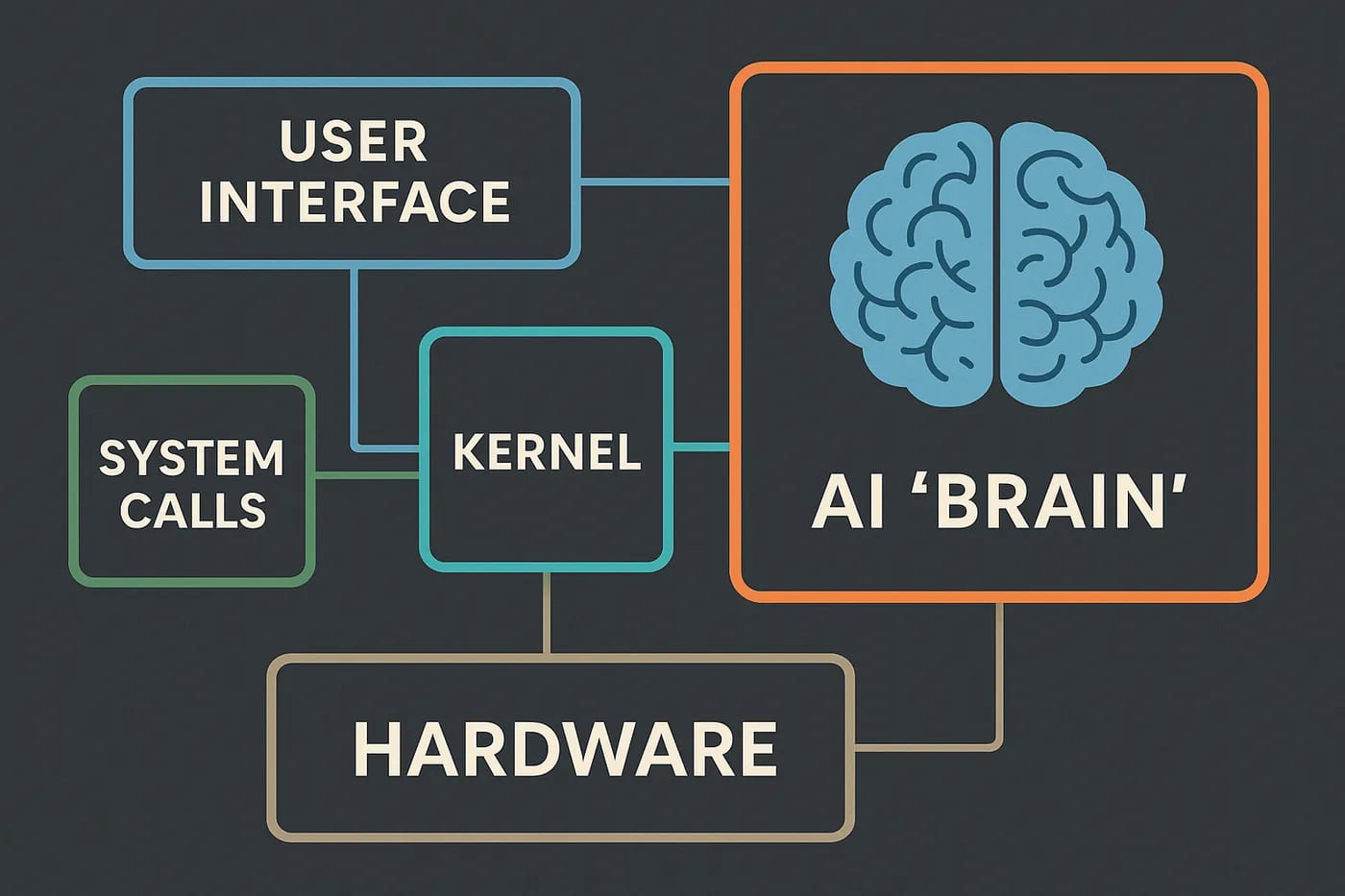
So what does this shift mean for those of us building products and platforms? First, it calls for rethinking system architecture. An AI-driven interface will demand a more modular, flexible core. We might see operating systems designed like symphonies, where a lightweight kernel handles critical tasks and security, while a generative UI engine works alongside it as a creative soloist. This modular approach would let developers swap in improved models or interface styles without overhauling the whole OS. Crucially, the OS will need to keep the AI on a tight leash when it comes to system state. In NeuralOS, a recurrent neural network component serves as a kind of “memory”, - it keeps track of what’s open, where the mouse is, which app is in focus, et cetera, and feeds that context to the rendering model (arXiv).
Future generative UIs will similarly need stateful design. The AI must know the context, as we ll as the limitations, of the current session to generate a useful and accurate screen. For engineers, this means designing new interface APIs or “communication protocols” between the AI and the traditional parts of the system. The AI might ask the OS, “Hey, what files are in this folder the user just clicked?” and the OS provides structured data that the model then visualizes into a GUI. By clearly defining these boundaries, we prevent the AI from hallucinating nonexistent files or options. In essence, the system should harness the AI’s creativity while guaranteeing factuality and consistency through traditional code. This fusion of deterministic core + probabilistic AI is where a lot of exciting engineering innovation will happen.
Security and user trust become paramount in this AI-native interface world. Product leaders will need to ensure that a generative GUI doesn’t become a wild west of unpredictable behaviors. Just as we set style guides for human designers, we’ll establish guardrails for AI interface generators. Think of it as a new kind of “AI design system”, - the AI may have freedom to create layouts, but perhaps it must call approved components for critical functions (like a payment form or a system alert), rather than inventing those from scratch. This ensures safety and consistency, - a sort of hybrid between old-school GUI rules and new AI improvisation. Human-AI interaction design will also take on a new dimension. When the interface is no longer static, how do we maintain user trust? One way is to bake transparency into the UI, - for instance, subtle highlights or explanations might show why the AI chose to present information a certain way, or give the user an easy “revert to classic view” option if they get overwhelmed. Users will likely tolerate and even love adaptive interfaces if they feel in control and confident that the system isn’t “making things up” to their detriment. Achieving this means close collaboration between engineers, designers, and ethicists. We’ll need to test these adaptive UIs rigorously. Can the AI be tricked into hiding a security warning because it thinks it’s helping the user? How do visually impaired users experience a constantly changing interface? These are challenges we can’t ignore. In many ways, building secure generative GUIs will be as much about policy and UX strategy as about the algorithms themselves.

Finally, consider the broader implication. A world of AI-native OS interfaces could fundamentally reshape the relationship between users and products. Today, when a user thinks of your software, they picture the screens and menus, - the interface is the product in their mind. We’ve taught users to adapt themselves to each application’s quirks and layout. But what happens when the interface becomes a shape-shifter, molding itself to the user’s needs and preferences in real time? The product is no longer a static entity. I becomes more like an collaborative partner. Users might start to feel less like they’re using a tool and more like they’re having a conversation or even a relationship with their digital environment. It’s a subtle but profound shift: loyalty might form around which AI interface “gets you” the best, rather than which app has the most features. We should ask ourselves: How can we harness this to deliver value? Perhaps an AI-native interface could onboard new users far more intuitively, by observing their behavior and gently adapting complexity to their comfort level. Or it could empower power-users by learning their routines and streamlining them into one unified flow. The possibilities are vast.
The dawn of generative GUIs invites us, - engineers, product heads, CTOs, to rethink everything from design processes to business models. We shouldn’t just wait for big tech to drop an AI OS in our laps. Instead, start small experiments now. Imagine an “AI mode” in your product that rearranges the UI based on context, or a smart assistant that not only answers questions but reshapes the surrounding interface to present the answer in the best light. Challenge your teams to break the mold of the fixed screen. Yes, there are risks to manage and user comfort to consider, but the payoff is experiences that feel truly personal and magical to each user. The next generation of interfaces won’t be designed for users so much as with them, each interaction a gentle collaboration between human intention and machine creativity. It’s an exciting, slightly daunting, but ultimately rewarding frontier. As you plan your roadmap, dare to ask: If my product’s interface could regenerate itself to perfectly fit any user’s goal in the moment, - what would that look like? The answers will inspire the innovations of tomorrow.

Further Readings
-
NeuralOS: Towards Simulating Operating Systems via Neural Generative Models – research paper (ArXiv – July 2025) Researchers introduce NeuralOS, a framework that uses neural networks (RNN + diffusion models) to predict GUI screens from user inputs. This paper demonstrates the viability of AI-generated OS interfaces and discusses results like realistic window rendering and the challenges of modeling fine-grained interactions.
-
Simulating a neural operating system with Gemini 2.5 Flash-Lite – Google Developers Blog (Google – June 2025) Google researchers D. Shin et al. share a prototype of a generative “Gemini OS.” Instead of traditional UI, a large language model generates interface elements on-the-fly. They explain the system’s architecture, use of a low-latency Gemini 2.5 model, and how each user action triggers real-time UI updates, highlighting both potential and current limitations.
-
Building generative AI? Get ready for generative UI – InfoWorld (InfoWorld – March 2025) An industry-focused introduction to generative UI concepts. Author Dom Couldwell discusses why dynamic, AI-crafted interfaces are the next step for user experience. The piece explores practical scenarios (like smarter search result displays) and offers insight into how developers can begin linking AI models with front-end components for more adaptive application UIs.
-
A Research Agenda for Generative AI in UX – Nielsen Norman Group (Nielsen Norman Group – June 2025) UX expert Raluca Budiu outlines how generative AI is poised to change user-experience research and design. One section is devoted to “studying new types of UIs,” suggesting that interfaces might morph to each user’s needs or accommodate AI agents. This forward-looking article raises key questions about usability, trust, and evaluation methods for AI-generated interfaces, offering a thoughtful roadmap for UX professionals.
Disclaimer: The perspectives shared in this article are my own and do not represent those of my employer or any affiliated organizations. All company names, product names, logos, and brands mentioned are the property of their respective owners and are used for identification and illustrative purposes only. No endorsement, sponsorship, or affiliation is intended or implied. References to specific companies or case studies are based on publicly available information and are used solely for educational and discussion purposes.
More from silicon & systems
All silicon & systems → silicon & systems
From "Mainframe Intelligence" to "Thin Client Thinking"
It's 8:00 AM and a high school teacher is staring at a stack of suspiciously flawless essays. Across town, a manager in a boardroom slyly taps on ChatGPT under the table to craft a quick strategy memo. Two very different scenes share an…
 silicon & systems
IT SEES, IT CLICKS, IT WORKS: The Operating System Built for AI - Not You
When a digital employee shows up for work, it doesn’t need a desk or a coffee mug. In fact, it doesn’t even need sleep. Instead, it lives in the cloud, clicking through Slack messages and Salesforce forms at 3 AM while you’re asleep. This…
 silicon & systems
How Google Solved the Impossible: Making Smart Search Actually Fast
Picture this: It's 2024, and somewhere in the gleaming halls of Google Research, a team of engineers just casually solved one of computing's most stubborn problems, - making multi-vector search as fast as single-vector search. They called…