The Screen Is Alive: The Promise of GUI‑Native AI Agents
Listen · the Bit & Being podcast
Picture this: a finance team’s quarterly report automation goes haywire at 9:00 AM sharp. A tiny UI tweak, - say, an “Export” button moved 20 pixels, has frozen a carefully scripted bot. The team scrambles in a digital whack-a-mole, manually clicking through steps the bot used to handle. It’s a scene of comic frustration: fancy RPA (Robotic Process Automation) bots brought down by a single, stubborn pixel.

This isn’t a far-fetched sitcom scenario; it’s daily reality in many enterprises. Even minor UI changes can bring traditional automations to their knees, triggering constant maintenance and undermining the ROI of “set-and-forget” bots (Nimble Gravity).
From Brittle Scripts to Adaptive Vision
For years, our automation strategy depended on brittle dependencies, - hard-coded scripts, rigid integrations, and fragile system APIs. We taught software bots to follow step-by-step rules to the letter, only to watch them break when that letterhead (or interface) changed. Traditional RPA was akin to a Rube Goldberg machine, - clever, yes, but one loose screw (a login screen update, a form field rename) and the whole contraption stalls.
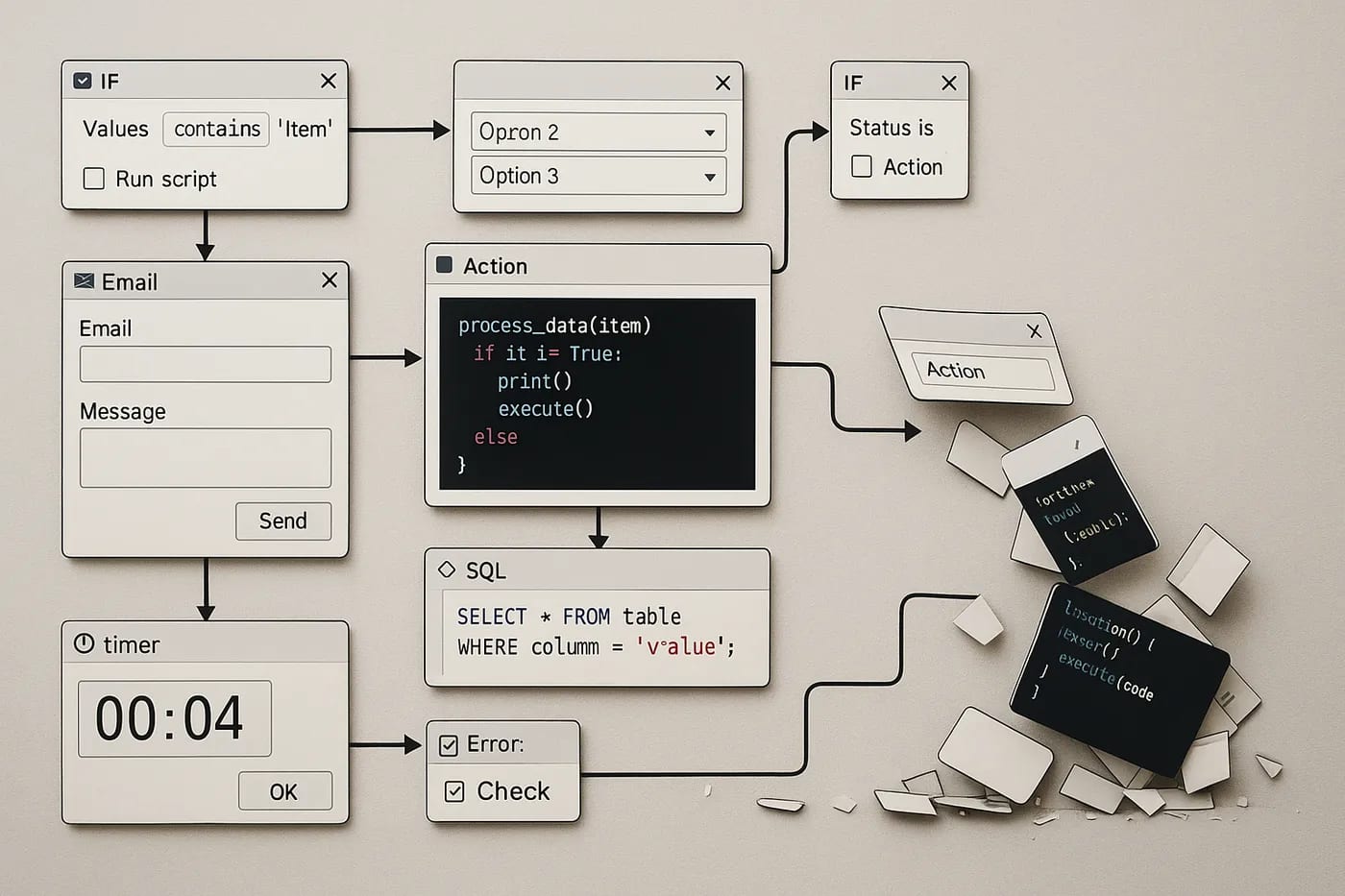
Companies poured effort into stitching together enterprise systems via custom APIs or screen-scraping macros. But each new software version or slight layout tweak meant reprogramming bots and patching integration code. Organizations found themselves in endless bot maintenance cycles, - sometimes spending nearly as much time fixing automations as they saved by automating in the first place. The promise of effortless automation often met the reality of brittle workflows and ballooning upkeep.
Enter the GUI-Native Agent: A New Kind of Digital Colleague
Faced with these frustrations, a paradigm shift is emerging. Instead of bolting into back-end APIs or praying a script doesn’t break, what if an AI could use software exactly like a human would, - by seeing and clicking? Enter GUI-native agent intelligence. These are AI “colleagues” that interact with applications through the graphical user interface itself, leveraging on-screen perception rather than internal APIs. ByteDance’s UI-TARS, https://github.com/bytedance/UI-TARS, is a prime example. It’s a new AI agent model that takes in screenshots as input and performs human-like mouse and keyboard actions to complete tasks (arXiv). In other words, UI-TARS doesn’t need a special API to book a meeting or run a report, - it looks at the interface and does it the same way you would, by navigating menus and buttons. This approach turns the software’s visual layer into the API.
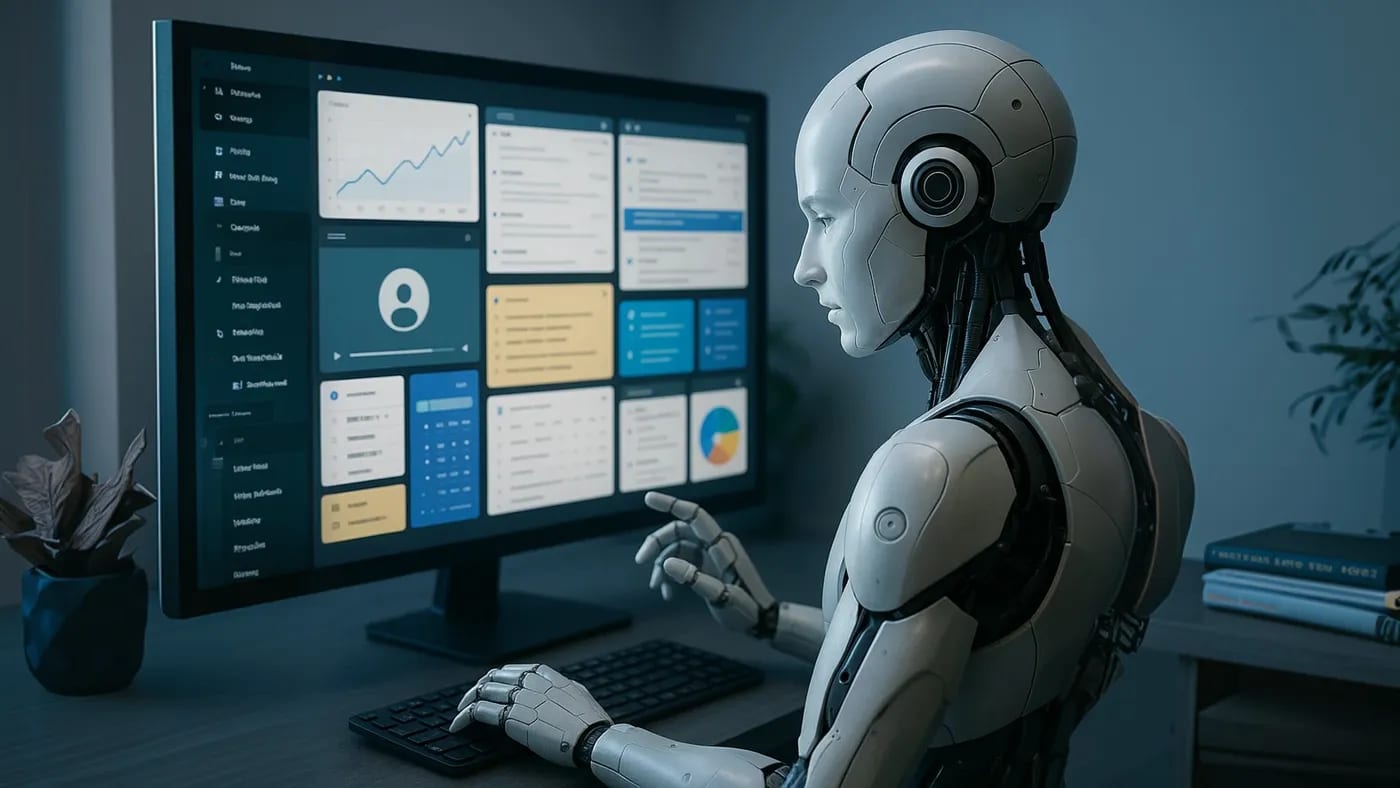
Last year, we saw hints of this direction when Anthropic’s Claude AI experimented with a “Computer Use” feature to control a PC via screenshots and clicks. But that was a closed beta with limited scope and required a paid API (Mehul Gupta). Now, solutions like UI-TARS are pushing the idea further, - open-sourcing a general GUI agent and integrating everything into one model, no brittle scripts in sight.
How Screen-Savvy Agents Work (and Play)
A GUI-native AI agent essentially works as a tireless virtual user. It “sees” the interface pixels, understands the context, and takes action, - all within the visual domain. Imagine asking an AI assistant to “Open Excel, load the latest sales sheet, highlight the top 10% values, and send me a chart.” A traditional automation approach would demand Excel APIs or a pre-defined macro. A GUI-native agent, however, can literally see the Excel icon on your desktop, recognize it, double-click to launch, navigate the GUI to open the file, apply formatting, and even click the right menu to send an email. This isn’t sci-fi. It’s exactly the kind of workflow demonstrated by UI-TARS. In one ByteDance demo, the UI-TARS agent observes the desktop, finds the Microsoft Word icon and double-clicks it, waits for Word to open, then types dictated text into the document and presses the save shortcut, - all through visual cues and without a human hand on the mouse.

Under the hood, these agents combine several capabilities that make this possible: computer vision to interpret screenshots identifying buttons, text, icons, language understanding to parse our instructions, and action modules to execute clicks or keystrokes. Notably, UI-TARS doesn’t rely on a patchwork of separate tools for these functions. It unifies perception, reasoning, action, and memory in one model, avoiding the brittle glue code and pre-scripted workflows that plagued earlier systems.
Smarter Than Scripts: Adaptability and Resilience
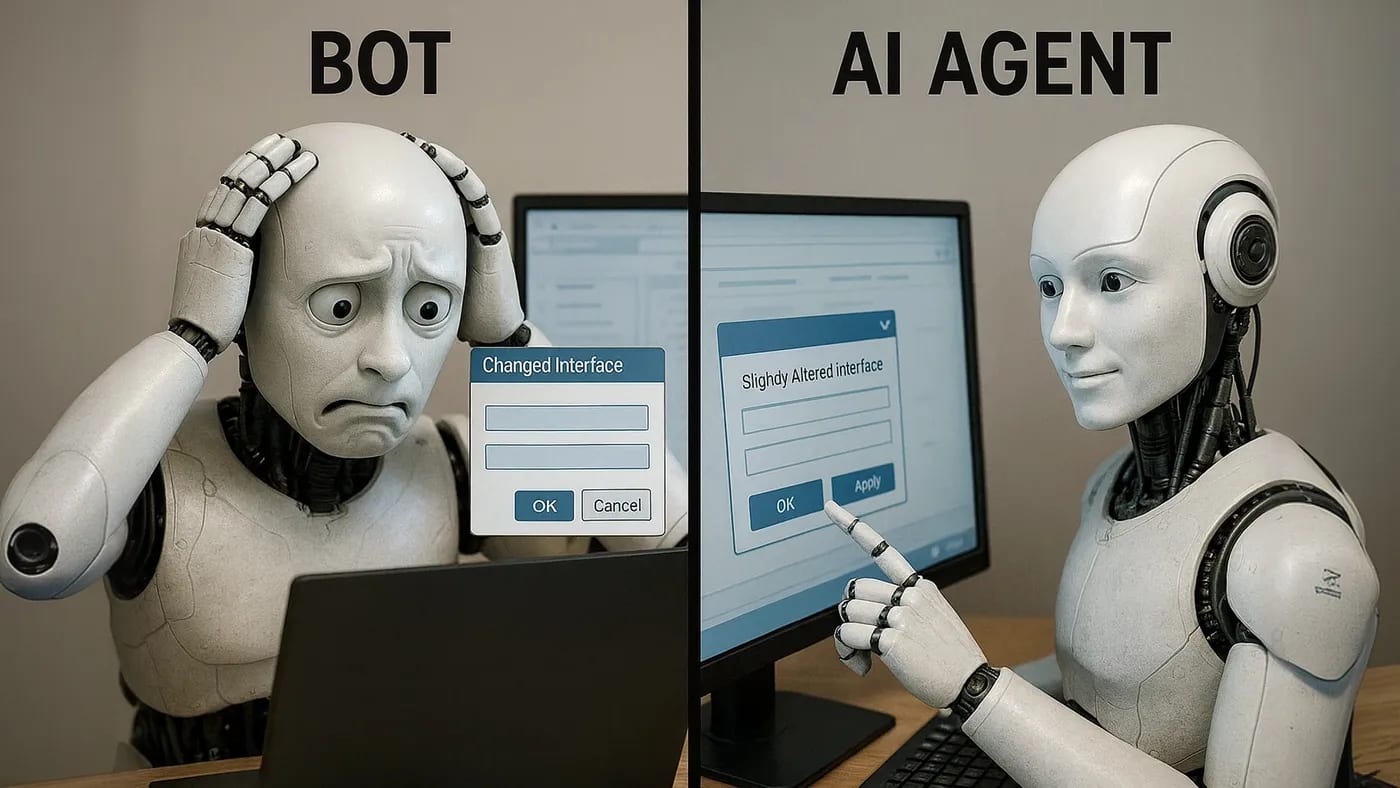
The biggest leap with GUI-native agents is their adaptability. Because they interpret visual context, they’re inherently more flexible about changes. If a button moves or a dialog looks slightly different after an update, a well-trained agent can often still figure out what to do, - much like a human user would adjust rather than crash. This resilience is a breath of fresh air compared to legacy bots that would throw up their hands (or rather, throw an exception) at the slightest deviation. AI agents assume imperfection and work through it. They tolerate ambiguity and unexpected inputs that would paralyze a rigid script. In essence, the “intelligence lives in the model, not in brittle code.” If the environment shifts, you don’t necessarily rewrite rules, - the AI’s learned experience helps it adapt on the fly. We’re already seeing this robustness in action. ByteDance’s UI-TARS has been tested on a gauntlet of GUI challenges, - from navigating operating system settings to playing casual web games, and it’s setting new performance records. It achieved state-of-the-art results in over a dozen standard GUI task benchmarks, even outperforming some previous best-in-class models like GPT-4 in these interactive scenarios (arXiv).
In one benchmark that measures how accurately an agent can find and click on targets across complex screen layouts, UI-TARS-1.5 hit 61.6% accuracy versus just 41.2% for GPT-4 under the same conditions (Florian Schröder). These numbers illustrate a broader point. A purpose-built GUI agent can outshine general AI when it comes to understanding and acting within software interfaces. It’s like watching a seasoned driver versus a learner, - the GUI-native model “knows the road” of interface elements by heart.
Enterprise Implications: A Universal Automation Player
For enterprises, the rise of screen-native agents signals a profound shift in how we approach automation, testing, and integration. First, consider development overhead. Instead of building a custom integration or writing a brittle script for each new tool or process, an AI agent can be pointed at the task with a plain-language brief. Early data is promising. ByteDance’s team found that using UI-TARS cut the time to create new automations by 68% compared to traditional RPA scripting. That’s because much of the heavy lifting which is primarily interpreting the interface, and deciding where to click, is learned by the model, not manually coded by engineers. This directly translates to lower costs and faster deployment for automation projects.
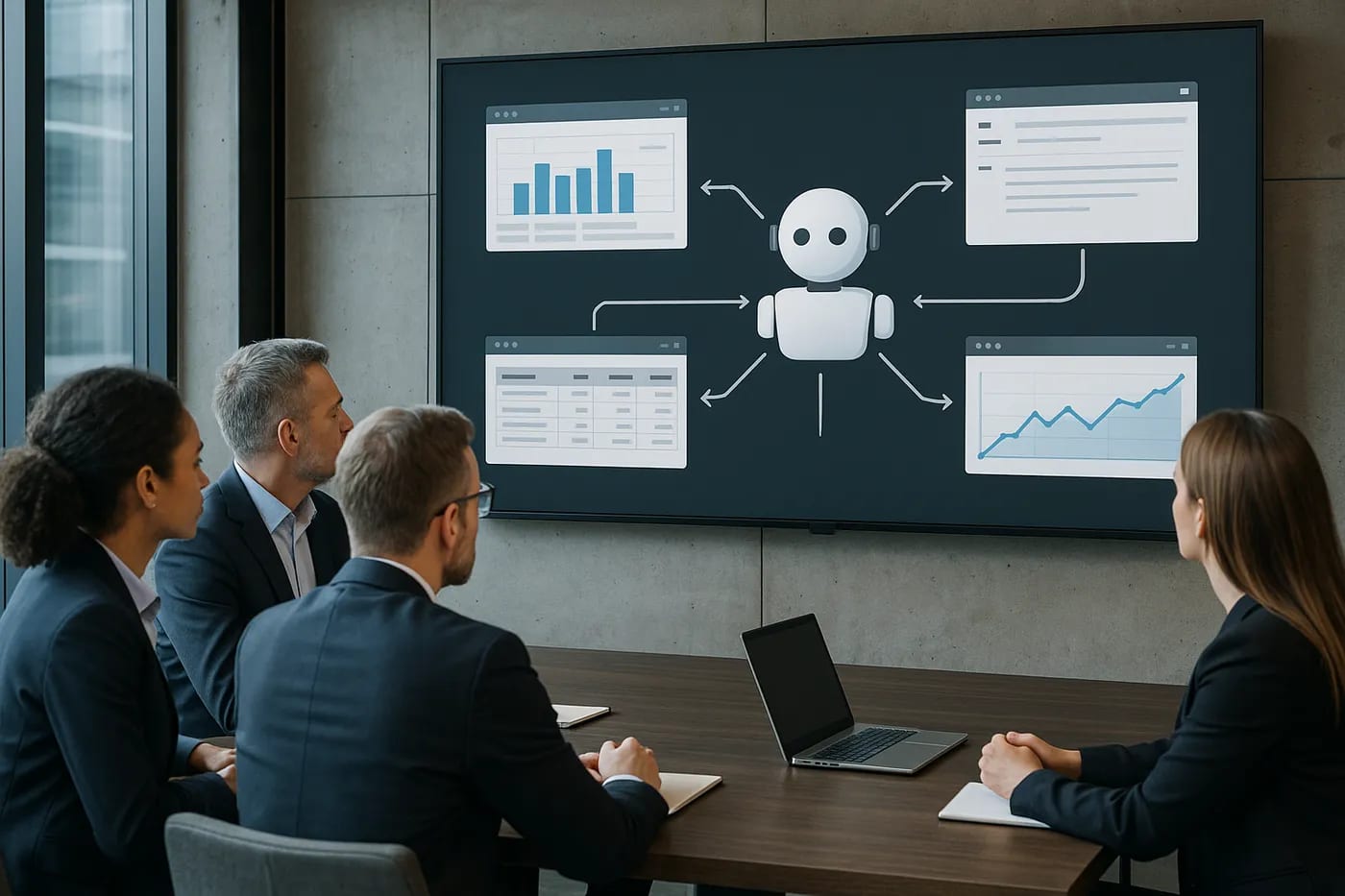
Second, there’s the resilience to UI changes. Businesses won’t eliminate software updates or interface redesigns, - those are a given in any SaaS or enterprise app. But a GUI-native agent offers a buffer against that volatility. Instead of breaking outright, it’s more likely to adjust or at least fail gracefully perhaps by pausing and asking for guidance when something unexpected appears. Leaders can thus spend less time firefighting broken bots and more time extending automation to new areas. The maintenance burden drops, and with it, the total cost of ownership for automation falls.
Third, think about software interoperability and silos. In many organizations, you have a patchwork of legacy systems, third-party platforms, and cloud apps that don’t talk to each other easily. Historically, connecting them meant either persuading vendors to build new APIs or employing RPA bots to shuffle data around with all the brittleness we discussed. GUI-native agents blow this problem wide open. If an application has a GUI, modern or ancient, these agents can potentially work with it. The AI doesn’t care if it’s a 20-year-old mainframe terminal or the latest web app. As long as it can see the interface, it can attempt the task. This means a savvy digital worker could, for instance, grab data from a legacy ERP system and input it into a cloud CRM by literally opening both apps and acting as the intermediary. We’re effectively getting a universal adapter for software. Notably, even integration platforms are moving in this direction. Zapier recently launched a system to let AI trigger actions in 8,000+ apps without custom API code, relying on a library of pre-built connectors (AiNews.COM). GUI-native agents take a similar ethos of “no API, no problem” to the next level by not requiring any connector at all. They operate on the same front-end any human does.
Empowering Users and Elevating Accessibility
Perhaps one of the most exciting aspects of GUI-native AI is how it can empower non-technical users and broaden accessibility. We’ve all experienced the steep learning curve of new enterprise software, - endless menus, obscure settings, which can leave less-technical employees feeling hostage to their tools. Now imagine those employees simply telling an AI agent what they need done: “Update the client record with this new address and generate an invoice PDF,” and watching the agent click through the CRM and accounting software to do it. This isn’t just convenience. It’s a shift in who can automate and execute complex digital tasks. Business users can directly orchestrate workflows via natural language, instead of raising a ticket for IT to script it (NimbleGravity). In essence, the barrier to automation gets lower, - you don’t need programming skills or admin rights to have the equivalent of a junior assistant handling software for you. That’s a big win for productivity and innovation on the front lines.
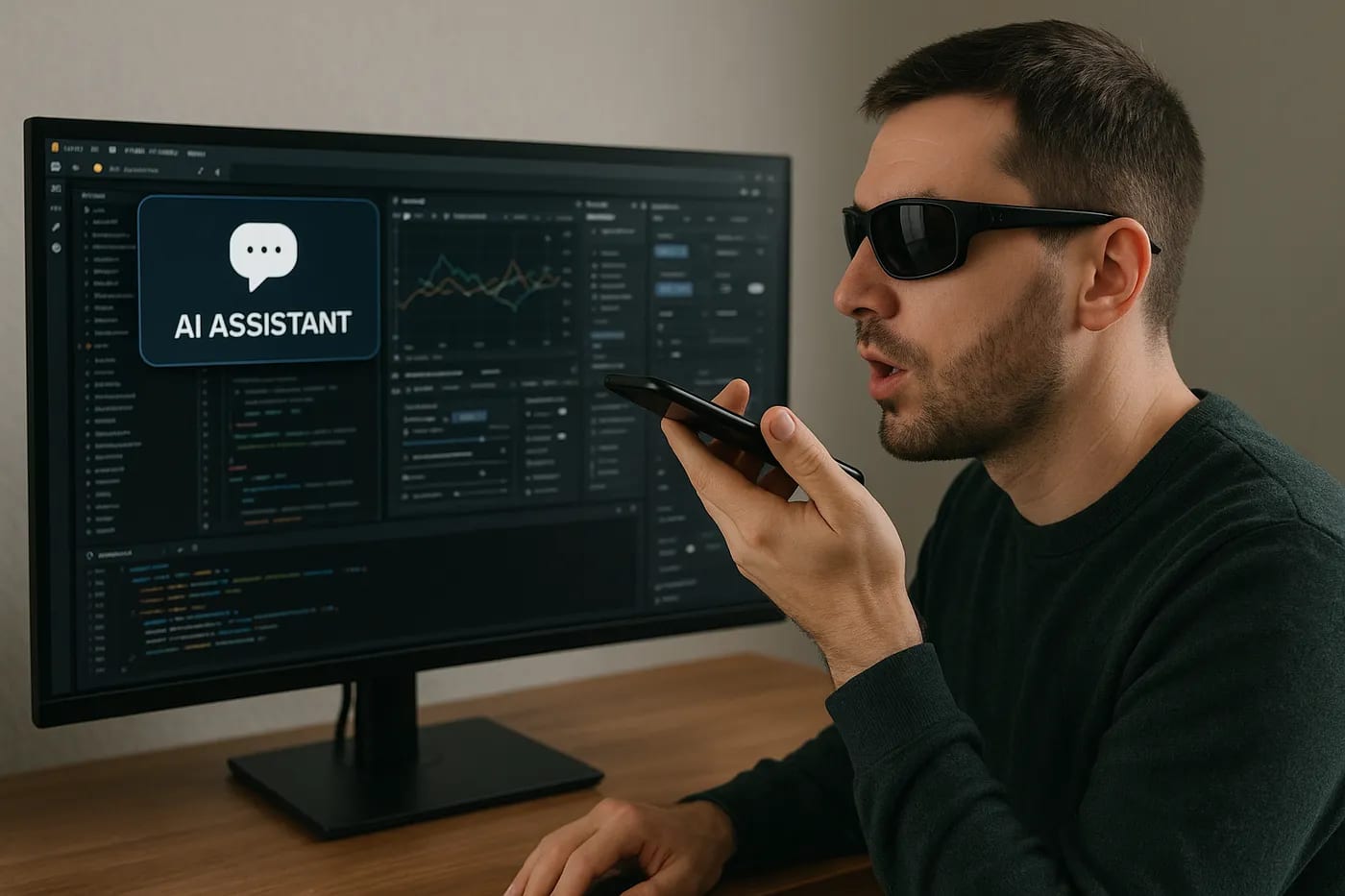
Moreover, GUI agents could dramatically improve software accessibility for people with disabilities or those who struggle with traditional interfaces. If a person has limited vision or motor skills, a screen-reading AI that not only reads out what’s on the screen but also takes action on voice commands could be life-changing. Research visions are already pointing this way. By enabling software to follow natural language instructions and act autonomously, we make digital systems usable “at all times and in any context,” even if the user can’t operate the GUI conventionally (arXiv). In the future, every application might come with a built-in agent that lets you talk to it and have it perform tasks, - effectively turning complex software into a conversational partner that does rather than just responds. That means a broader workforce and customer base can engage with technology without specialized training. The enterprise software that once required certifications and manuals might be navigable by anyone who can describe what they want.
New Challenges: Trust, Oversight, and Design
Before we declare victory and hand over every keyboard to an AI, it’s crucial to address the challenges and risks that come with this new paradigm. Trust is front and center. Handing an AI the keys to your software kingdom, - even just the UI keys, raises valid concerns. What if the agent misclicks in a financial system and transfers funds incorrectly? What if it misinterprets a command and deletes something important? The stakes are high when AI is not just suggesting actions but actually performing them. Earning trust will require robust safeguards: clear permission scopes, fail-safes to prevent destructive actions, and perhaps a “human-in-the-loop” for high-risk operations. We can draw parallels to early self-driving car tech. You start with the AI as a co-pilot and gradually increase its autonomy as confidence grows. In enterprise terms, that might mean AI agents initially handle low-risk tasks or operate in a supervised mode, - requiring a human confirmation for certain steps, until proven reliable.
Observability and auditability are equally important. When an AI agent is doing work on your behalf, you need logs of its actions and ways to understand its decisions. Traditional software logs API calls. Similarly, AI agents should log their virtual clicks and keystrokes. This not only helps in debugging when something goes wrong, but it’s critical for compliance. Industries like finance or healthcare will demand an audit trail showing what the AI accessed and did. Building a layer of explainability, - even something as simple as “the agent chose to click the green Approve button because the instruction said approve the request”, – will make stakeholders more comfortable that the system isn’t a black box operating unpredictably.
Another challenge is security and access control. A GUI agent typically needs a user-like access to the software, - credentials, session, et cetera. Companies must ensure that giving an AI these privileges doesn’t create a backdoor for malicious use. Techniques like running the agent in a sandboxed virtual machine or limiting its access to certain hours or systems can mitigate risks. We already see precautionary measures being discussed. For example, Anthropic’s implementation of a computer-use AI tool recommends running it on isolated virtual machines and limiting sensitive data exposure, precisely to manage these risks. Enterprise IT will need to set up guardrails, - perhaps whitelisting which applications an agent can control or having a confirmation step for actions with major impact. Even the providers of these AI tools are implementing safety checks, like requiring user confirmation if the agent attempts something unusual, or allowing administrators to pre-define what an AI is allowed to do (Ai News).
Then there’s the question of UX design in an AI-assisted world. How do we design software interfaces when we know both humans and AI agents will use them? Today’s GUIs are built for human cognition, - visual clarity, logical layouts, et cetera. An AI might not need pretty icons or could even be confused by decorative elements. We might see a push for more standardized UI elements or hidden “machine-readable” cues, - like semantic tags, ARIA labels, or metadata, to make GUI parsing more reliable for agents. On the flip side, designers might embrace the idea that if an AI can’t navigate a UI, maybe it’s too complicated for humans too, - using AI as a litmus test for simplification. Additionally, new interaction patterns could emerge. Imagine an agent pausing mid-task to ask the user, “I’m not sure how to interpret this screen. Do you want me to proceed or cancel?” This blend of autonomous and assistive UX will need careful thought to avoid frustrating users.
Finally, we should acknowledge the cultural and workforce implications. As GUI agents take on more “digital drudgery,” humans will collaborate with them in new ways. Training employees to effectively “manage” their AI assistants, - setting them up, giving the right instructions, reviewing their outputs, will become a new skill set. Forward-thinking leaders will have to cultivate digital fluency that goes beyond using software, - to orchestrating AI helpers safely and productively.
A New Chapter in Digital Transformation – Ready to Lead?
We began with the image of a fragile script collapsing over a tiny UI change, - a cautionary tale of automation’s first act. Now, as GUI-native AI agents take the stage, the script is being rewritten. Instead of brittle bots, we have screen-savvy apprentices that learn and adapt. Instead of praying nothing changes, we expect change and equip our digital workforce to handle it. This is more than a technological upgrade. It’s a mindset shift. Every interface can be made smart. Every software can become collaborative.
For technology executives and innovation strategists, the implications are thrilling and a bit daunting. Embracing these agents could mean unprecedented agility, - imagine integrating a new SaaS tool into your workflow on day one, because your AI assistant can drive it without a single line of integration code. It means your organization can scale automation in a democratized way, as every department finds creative uses for their “digital interns.” It promises a kind of resilience we’ve long sought. When the next software update rolls out, you won’t be caught off guard with broken processes. Your AI agents will already be adapting overnight.
Yet, realizing this vision demands leadership. It calls for experimentation with clear purpose. Pilot an AI agent in a contained process and measure the results. Upskill your teams not just to use AI, but to trust it judiciously and oversee it. Work with your IT and design teams to incorporate AI-friendly practices, - like instrumenting UIs for better machine readability and security safeguards. And critically, lead the conversation on governance and ethics! Set the standards for how these agents should operate in your business, before regulations, - or worse, incidents, set them for you.
The emergence of GUI-native agents is a reminder that digital transformation isn’t over. It’s entering a new chapter. The very interfaces that once constrained us can now empower us, if we pair them with the right intelligence. The question for leaders is, will you be among the first to turn this new capability into competitive advantage? Picture a near future where every employee has an AI helper that can traverse any software, where your workflows flow through a layer of intelligent agents that never sleep and never complain about the UI. It’s no longer a distant fantasy. The prototypes are here, and they’re impressive.
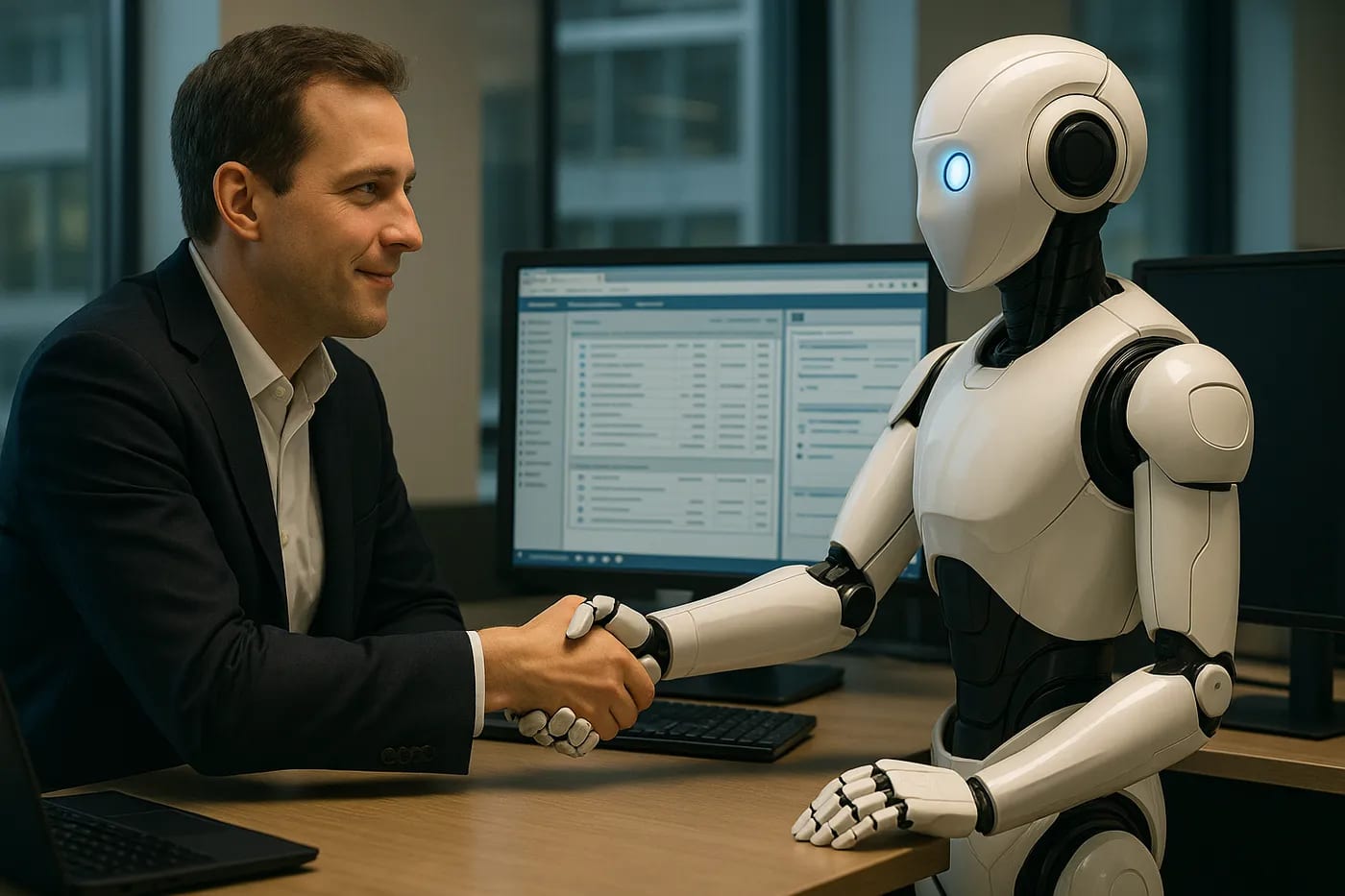
So the next time you find your team firefighting a broken automation or wrestling with an outdated system, take it as a prompt. It’s time to rethink how we harness technology. The GUI, - that faithful old friend of user interaction, is becoming a gateway for AI empowerment. Those who open that gate thoughtfully and boldly will not only save costs or streamline operations, but potentially redefine how work gets done. In an era when the screen comes alive with its own agency, the winners will be those who turn this intelligence into impact. The stage is set, the agents are learning. Now it’s your move!

Further Readings
-
UI-TARS: Pioneering Automated GUI Interaction with Native Agents (Yujia Qin et al. – January 2025): ByteDance researchers introduce a GUI agent that uses only screenshots and achieves state-of-the-art results in automating desktop and mobile tasks. The paper outlines the model’s architecture (perception, unified actions, reasoning) and its superior performance on multiple benchmarks.
-
UI-TARS-1.5: ByteDance’s AI agent outperforms GPT-4 and Claude in GUI tests (Florian Schröder – April 2025): News analysis highlighting the open-source UI-TARS 1.5 model’s technical innovations and benchmark results. It reports significantly higher accuracy than competitor models in GUI tasks, a 68% reduction in RPA development time, and ByteDance’s future plans for GUI agents.
-
Why Traditional RPA Fell Short and What Comes Next (Tony Aug – May 2025): A perspective piece examining the limitations of first-generation RPA, such as brittleness and maintenance overhead, and introducing AI-first “reasoning” agents as a more resilient alternative. It discusses how AI agents can adapt to change, handle complexity, and empower business users in automation efforts.
-
Zapier Launches MCP to Let AI Control 8,000+ Apps with No APIs (Alicia Shapiro – March 2025): Announcement of Zapier’s Model Context Protocol, which enables AI assistants to perform actions across thousands of apps without custom integrations. Emphasizes the move towards no-code automation, highlighting reduced integration work and the trend of AI taking direct action in business software.
-
ByteDance UI TARS: Best GUI Agent Model to Run Computers (Mehul Gupta – January 2025): Overview of ByteDance’s UI-TARS agent, describing its unified vision-language approach to automating GUI tasks. Explains core features (perception, action, reasoning, memory) and how the model works through real-world examples of the agent controlling computer applications.
Disclaimer: The perspectives shared in this article are my own and do not represent those of my employer or any affiliated organizations. All company names, product names, logos, and brands mentioned are the property of their respective owners and are used for identification and illustrative purposes only. No endorsement, sponsorship, or affiliation is intended or implied. References to specific companies or case studies are based on publicly available information and are used solely for educational and discussion purposes.
More from builder's bench
All builder's bench → builder's bench
The Emperor's New Code: Hype vs. Reality of AI “Executable Specs”
Imagine a packed tech conference hall where a charismatic presenter claims to have finally tamed software development’s oldest monster. On stage, Sean Grove of OpenAI proclaims that writing specifications, - simple English instructions,…
 builder's bench
PDL is to Prompts as Git was to Code
Imagine running your company by whispering instructions into a black box, then crossing your fingers. That’s essentially how many teams handle AI today, - blind prompt guesses and hope for the best. One day a prompt produces gold. The…
 builder's bench
BlackBoxToBlueprint: Software Archaeology Meets AI
In a sleek, climate-controlled data center lined with racks of modern servers, it’s easy to assume everything is cutting-edge. But looks can be deceiving. Beneath the polished exterior, some of the world’s most critical business logic…