From Bash to Brain: How Gemini CLI Is Rethinking Developer Tools

🔊 Listen to the Podcast version here. 🔊
Late one evening, a senior engineer watches in disbelief as her terminal begins to complete tasks she only half-jokingly requested. The familiar command-line prompt blinks patiently on a black screen, but now it responds with creative solutions and even executes code on her behalf. This isn’t sci-fi fantasy, - it’s a glimpse into everyday development life with an AI agent living right inside the terminal.

This magic isn’t happenstance, - it’s powered by a new breed of developer tools like Google’s Gemini CLI. Unveiled yesterday, Gemini CLI is a free, open-source AI agent that plugs Google’s advanced Gemini model directly into the command-line, giving developers a “fundamental upgrade” to their terminal experience (Google Blog: Mullen & Salva). While it excels at writing and debugging code from natural-language prompts, Google built Gemini CLI to do far more, - from generating content or research summaries to executing shell commands on demand.

Google isn’t alone in chasing this vision. Earlier in 2025, OpenAI debuted its own Codex CLI, - a terminal-based coding agent that connects OpenAI’s models to local code and shell tasks (Tech Crunch). Anthropic’s Claude Code offers a similar agentic assistant in the CLI, one that can read your repository, suggest edits, and even run tests or git commands autonomously. Even Microsoft has been experimenting with AI built into its Windows Terminal, underscoring that this shift is industry-wide. In effect, developer tools themselves are evolving into co-developers, - active AI partners embedded in the everyday workflow.
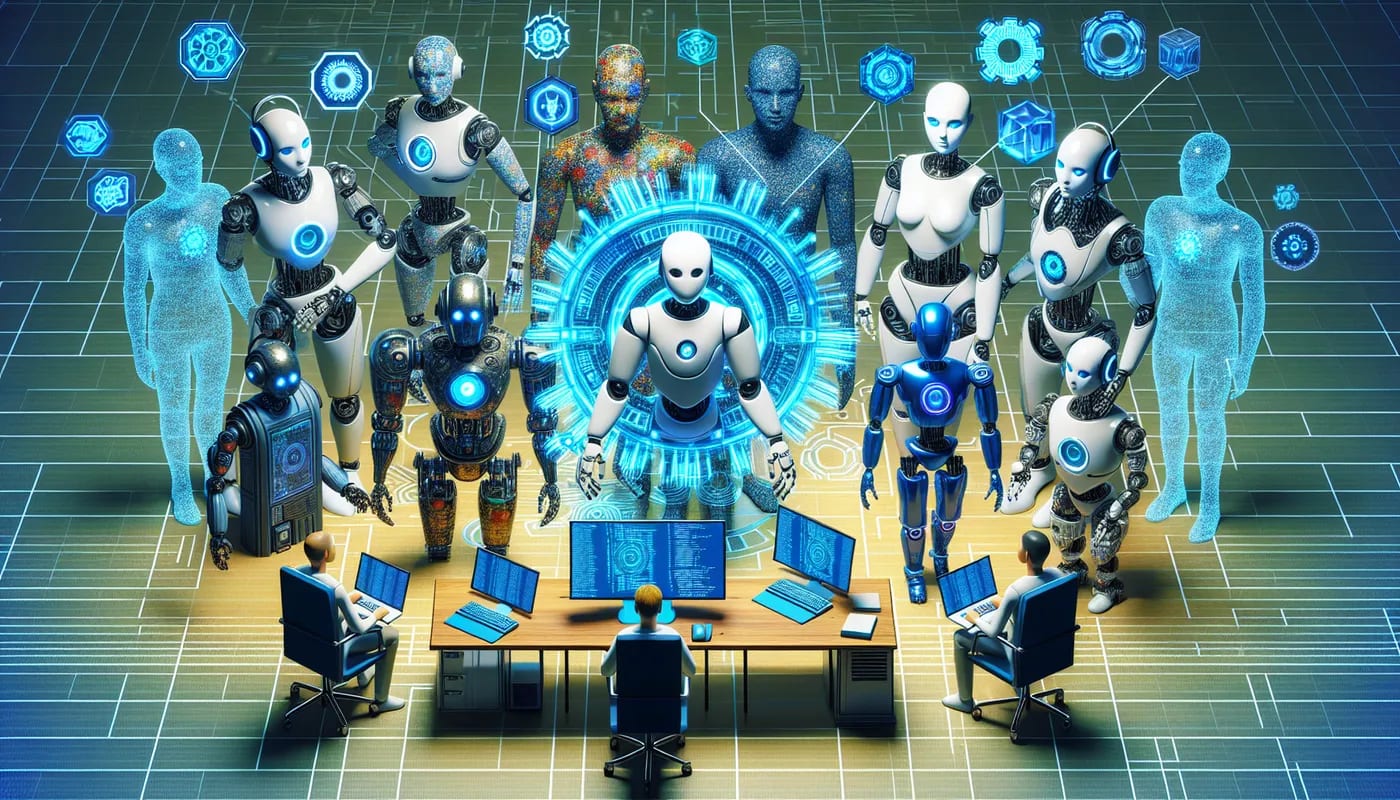
When the Terminal Talks Back: Trust and Tension
Yet for all these AI capabilities, a dose of skepticism is healthy. Our late-night engineer isn’t about to turn her back on the screen while the AI works, - she’s seen it make mistakes. In fact, a 2024 Stack Overflow survey found only 43% of developers trust the accuracy of AI coding tools (Tech Crunch). And there are good reasons for caution as I can attest to. Studies show AI-generated code can introduce bugs or overlook security flaws, meaning human oversight is still very much required (Tech Crunch).
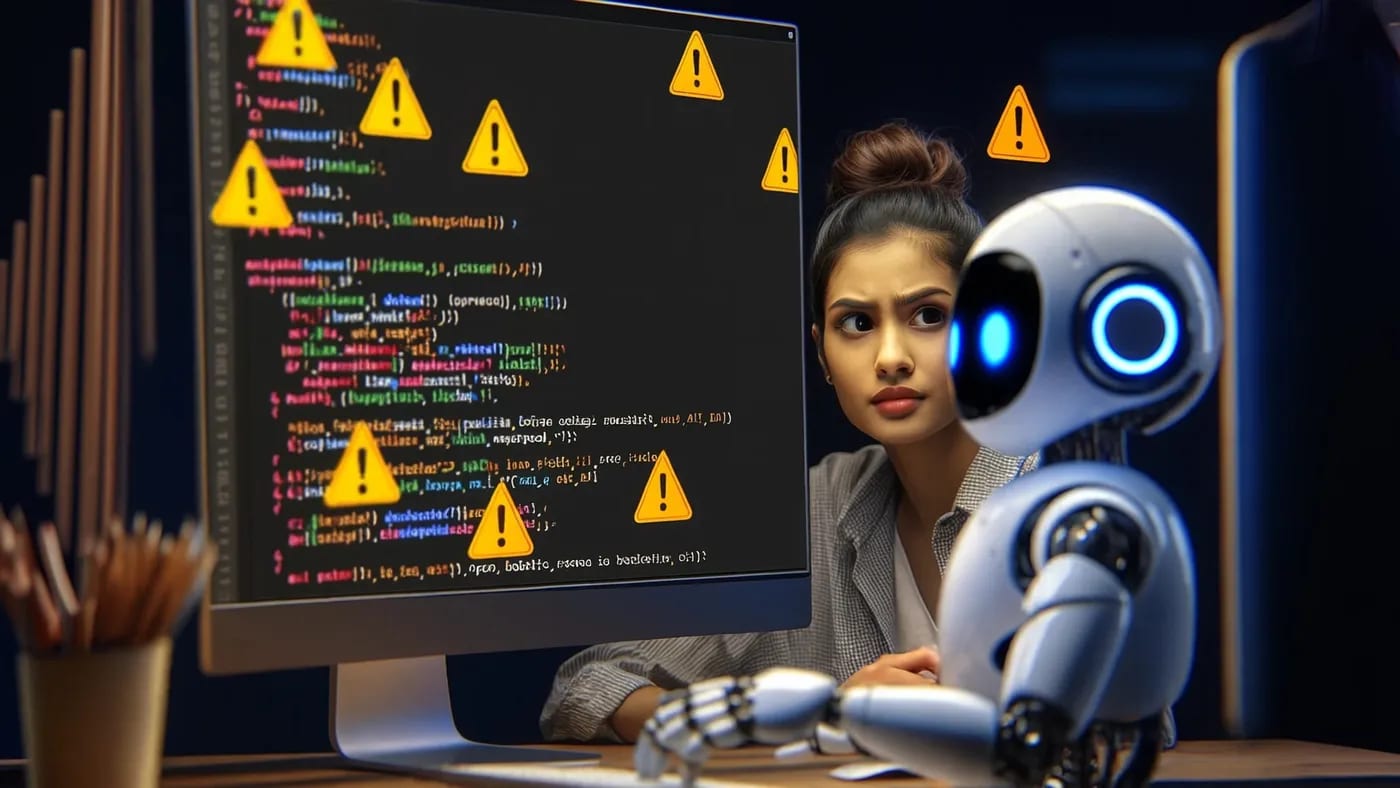
To manage these risks, developers, - and the toolmakers themselves, are building in guardrails. Google, for example, designed Gemini CLI with a healthy respect for “Are you sure?” moments. The AI won’t execute a destructive command or make system changes without first asking the user for approval with an option to allow once or always. On macOS, Gemini CLI even runs inside a secure sandbox and on Linux or Windows it can confine itself in a Docker/Podman container to limit any damage from errant commands (Dev Class).

Even with these precautions, no one is pretending the risks are fully eliminated. Experts note that cunning prompt injections, - malicious inputs that trick the AI, are still a real threat and not easily solved (Dev Class). And if an eager junior developer trusts the AI too much, - say, blindly running a shell command it suggests, the results could range from humorous to disastrous. The upshot? These AI helpers demand the same thing any new team member would: guidance, code reviews, and a healthy dose of skepticism.

Command and Control: Enterprise and Governance
In an enterprise setting, the arrival of an AI “co-developer” in the terminal raises both excitement and eyebrows. On one hand, it promises significant productivity gains, - faster coding, quicker debugging, on-demand documentation, but leaders must consider data security, compliance, and control. Google seems to understand this balancing act. The Enterprise mode of Gemini CLI, - enabled via a corporate Google Cloud API key or license, offers policy and governance features, the ability to choose specific models, run multiple agents in parallel, and importantly, an assurance that your code won’t be used to improve Google’s AI. In other words, enterprises get more control over what the AI can do and how it handles sensitive data, - at a price.

These AI agents also slot into the software infrastructure in new ways. Gemini CLI, for example, can integrate with existing developer workflows, - Google even demonstrated it deploying code directly to a Google Cloud Run service during a preview, hinting at seamless CI/CD integration. It’s also wired into Google’s cloud tools, subtly encouraging teams to keep AI-driven development within Google’s ecosystem. Companies will need to decide how and where to let such agents roam. Some may push for on-premises AI models to ensure proprietary code stays in-house, - Google has hinted Gemini CLI could eventually work with local models (for instance, a smaller model called “Gemma”) to accommodate those who can’t let code leave the firewall.

Other organizations will embrace the cloud convenience, relying on vendor APIs and sandboxing to mitigate risk. Notably, these AI tools are becoming extensible: Gemini CLI supports plugins and the emerging Model Context Protocol, meaning an enterprise could connect the AI to internal databases, DevOps pipelines or documentation systems. With custom extensions, your terminal AI might someday query your company’s knowledge base or raise a ticket in Jira on command. The productivity wins could be game-changing, - but so is the responsibility to integrate these agents thoughtfully and securely.
Culture Shift on the Command Line
It’s not just processes and platforms that are evolving, - developer culture is shifting too. The command-line AI is like a supercharged rubber duck: always available to talk through a problem, except now the duck actually suggests answers. Developers find themselves pair-programming with an AI sidekick at all hours. This can be energizing, - tedious tasks like writing boilerplate or searching documentation are offloaded, giving human coders more time for creative problem-solving. But it also changes the craft. Some worry that if an AI writes the bulk of the code, tomorrow’s engineers might miss out on learning by doing. The art of debugging, the intuition gained from grinding through errors, - will those skills atrophy if an agent is always whispering the fix?

Within teams, dynamics are evolving. Newer developers might lean on the AI for quick answers instead of tapping a colleague on the shoulder, - shifting the mentorship model. Senior engineers, in turn, may become curators of AI output, focusing on code review, architecture, and guiding the AI on high-level objectives. Interestingly, this could alleviate some burnout: letting the AI handle rote chores while humans tackle more fulfilling design work. It could also democratize knowledge, - that midnight debugging wisdom of the veteran engineer can now be partly distilled into an AI prompt for anyone to use. The flip side is ensuring that human intuition and teamwork don’t get lost. Cultivating an “AI-aware” engineering culture, - where using the agent is encouraged but critical thinking remains paramount, will be a new responsibility for technical leaders. After all, an AI in the terminal can accelerate progress, but it’s the people behind the commands who steer the ship.

Charting the Path Forward
As these agentic AI tools mature, one thing is clear, - they aren’t going away. “We believe that these tools will dominate the way creators work in the next decade,” one Google product leader, Ryan J. Salva, noted at Gemini CLI’s launch. That might sound ambitious, but it’s hard to argue when every major player is injecting AI into the development workflow. For technology executives and team leads, the mandate is to adapt, not resist. Ignore this trend, and risk falling behind those who embrace it. The smarter play is to pilot these tools, understand their quirks, and craft policies around their use.

That means establishing guidelines: decide what kinds of tasks your developers should and SHOULDN’T delegate to AI, ensure code review processes catch AI slip-ups, and train your people to collaborate effectively with their new digital teammates. Encourage experimentation in a safe sandbox. Celebrate time saved on drudgery, - but also emphasize that human judgment remains the final word. The cultural tone starts from the top. If leadership frames these AI tools as accelerators rather than replacements, teams will follow suit.

In the end, the organizations that thrive will be those that pair human creativity and oversight with machine speed and precision. An AI agent in the terminal can be a game-changer, but it’s still the humans at the keyboard, - and the helm, who chart the course. So go ahead and welcome this new terminal sidekick into your enterprise, just be sure to keep one hand on the wheel.

Further Readings
-
Gemini CLI: your open-source AI agent – Google Blog (Google, June 2025) Google’s official announcement of Gemini CLI, detailing its open-source release, generous free usage limits, and integration of AI into the developer terminal.
-
Google is bringing Gemini CLI to developers’ terminals – The Verge (Jess Weatherbed, June 2025) News coverage of Gemini CLI’s launch, emphasizing its coding and research capabilities, free preview availability, and comparisons to other AI coding tools.
-
Google unveils Gemini CLI, an open source AI tool for terminals – TechCrunch (Maxwell Zeff, June 2025) TechCrunch report on Gemini CLI’s debut, discussing its agentic approach to coding assistance, integration with local code workflows, and cautions around accuracy and security.
-
Google positions itself for ‘next decade’ of AI as Gemini CLI arrives with generous free tier – DevClass (Tim Anderson, June 2025) In-depth look at Google’s strategy with Gemini CLI, highlighting its industry-leading free usage allowances, open-source transparency, CLI advantages over IDE plugins, and built-in safety measures like sandboxing.
-
OpenAI debuts Codex CLI, an open source coding tool for terminals – TechCrunch (Kyle Wiggers, April 2025) Coverage of OpenAI’s own CLI-based coding agent, describing its capabilities to write and edit code via the terminal and the vision of an “agentic” software engineer that can eventually handle entire projects.
-
Anthropic Introduces Claude 4 Family and Claude Code – InfoQ (Anthony Alford, June 2025) Summary of Anthropic’s launch of Claude 4 and the general availability of Claude Code, a CLI-based AI coding assistant, noting improvements in coding performance and the push toward AI as a “virtual collaborator” for developers.
Disclaimer: The perspectives shared in this article are my own and do not represent those of my employer or any affiliated organizations. All company names, product names, logos, and brands mentioned are the property of their respective owners and are used for identification and illustrative purposes only. No endorsement, sponsorship, or affiliation is intended or implied. References to specific companies or case studies are based on publicly available information and are used solely for educational and discussion purposes.
More from builder's bench
All builder's bench → builder's bench
When Innovation Outpaces Discipline: The AI Debt Reckoning
In the celebratory glow of a hard-won AI success, it’s easy to overlook the faint smell of smoke coming from under the hood. Picture a startup that just turbocharged its sales with a clever AI hack, - champagne pops, high-fives all around.…
 builder's bench
CI/CD’s Final Frontier: Fully Autonomous Code Optimization
Late one evening, a CTO gapes at a cloud services bill that looks more like a phone book. The code is running, customers are happy, - but behind the scenes, millions of unnecessary instructions are silently inflating costs. In fact, 67% of…
 builder's bench
12 AI IDEs, 5 Policy Tests, 1 Guide for CTOs
Picture a stressed CTO in a late-night code review, a virtual genie perched on her shoulder offering brilliant fixes and a joke or two. Tempting, right? But like any good genie, an AI coding assistant can grant wishes with a catch. The…